10 APPENDIX
10 APPENDIX
73
Operating the lawn mower with the Manual mode
10
Press the H button.
11
Press the G button to return to the Home screen.
12
Close the control panel cover.
The lawn mower automatically begins to operate.
NOTE:
- The lawn mower does not turn off automatically when in manual mode.
Canceling the Manual mode operation
You can cancel the operation which you selected on the Manual mode screen and the lawn mower returns to
the docking station.
1
Press the manual STOP button from behind the lawn mower.
NOTE:
- If you select [Mow then resume auto timer] the lawn mower will stop at the time of the work
timer confi gured in the Auto mode.
2
Press the B (Off) button on the control panel.
The power turns off.
3
Place the lawn mower in a area that is near the docking station.
4
Press the A (On) button on the control panel.
The power turns on, and the startup screen on the control panel is displayed.
5
Enter the PIN using the number buttons to display the Home screen.
6
Press the C (Home) button.
7
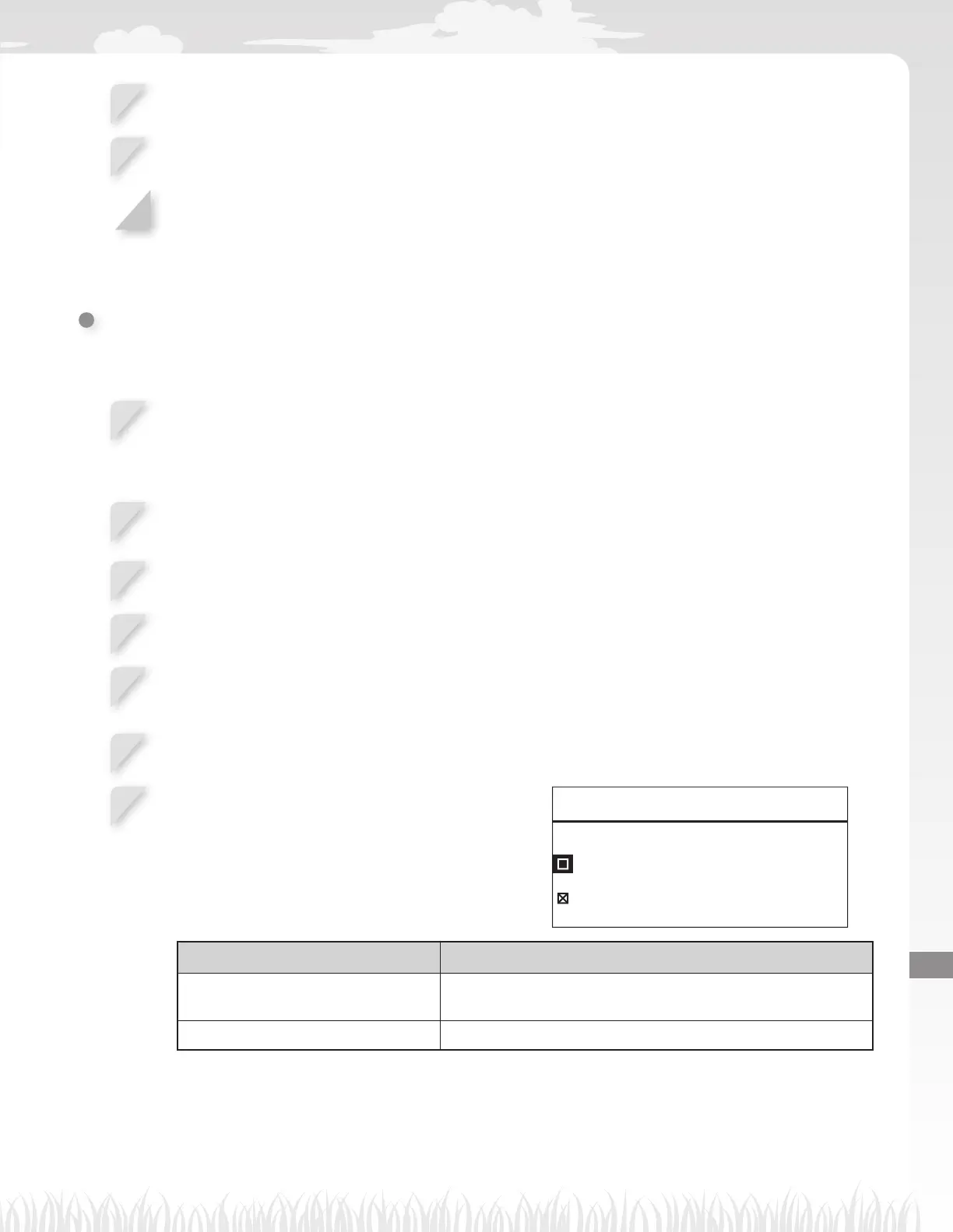
Select the operation of lawn mower after going back
to the docking station.
17:01 Fri
Go back home
Then after charging:
Restart on next timer
Stay at home
Items Description
Restart on next timer The lawn mower goes back home, then switches
automatically to Auto mode and resumes the timer.
Stay at home The lawn mower stays at the docking station after charging.



 To Next Page