Configuring Network Settings
31
Configuring ONVIF
ONVIF (Open Network Video Interface Forum) is a global standard for the interoperability of
IP-based physical security products.
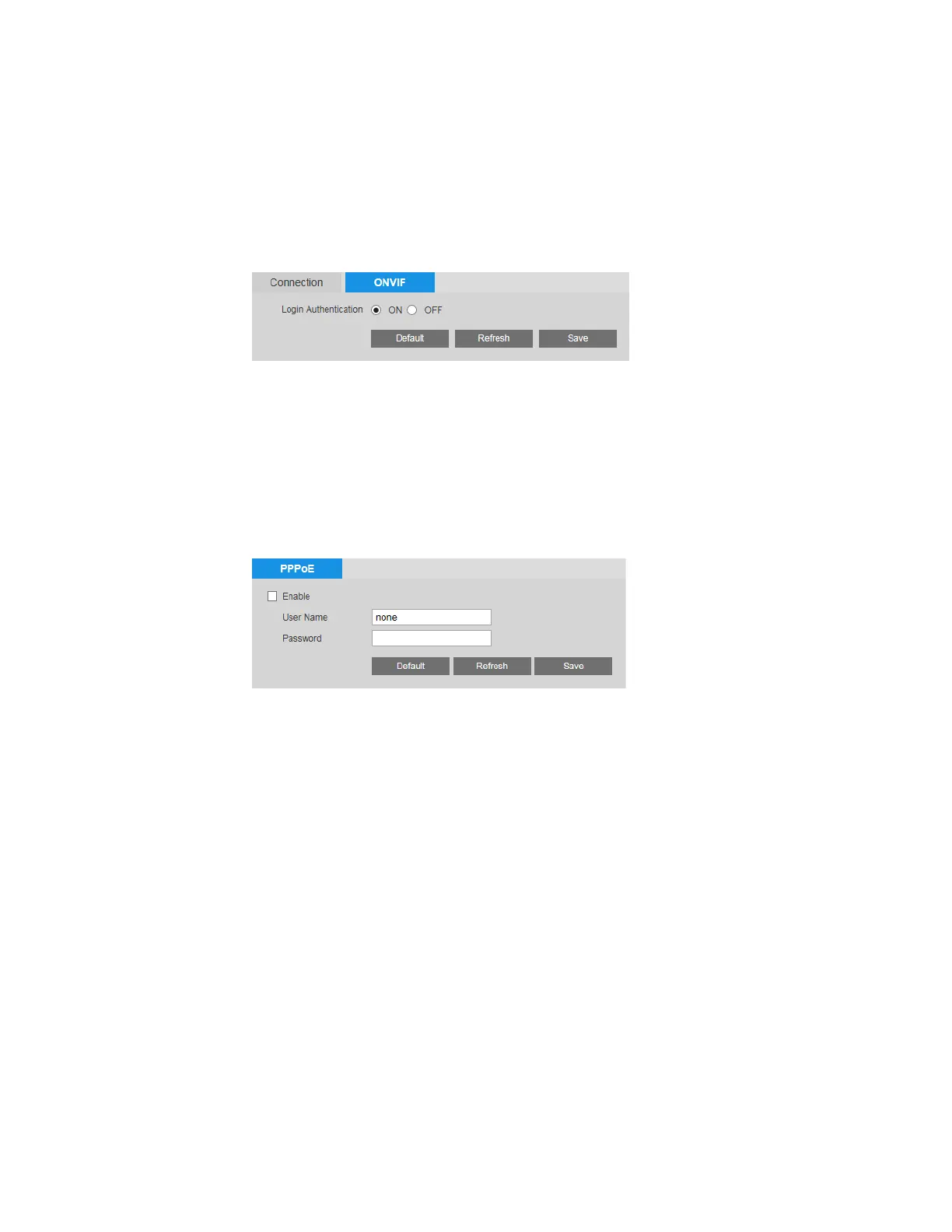
You can enable or disable ONVIF authentication on the Setup > Network Setup >
Connection > ONVIF page.
ONVIF login authentication is enabled by default. To disable it, next to Login Authentication,
click OFF, and then click Save.
Configuring PPPoE Settings
You can configure Point-to-Point Protocol over Ethernet (PPPoE) settings on the Setup >
Network Setup > PPPoE page.
To enable PPPoE:
1. Select the Enable check box.
2. In the User Name and Password fields, enter the user name and password that you
received from your Internet service provider (ISP).
3. Click Save to apply the settings. The camera will connect to the Internet via PPPoE after
rebooting.



 To Next Page
 Loading...