Configuring System Settings
71
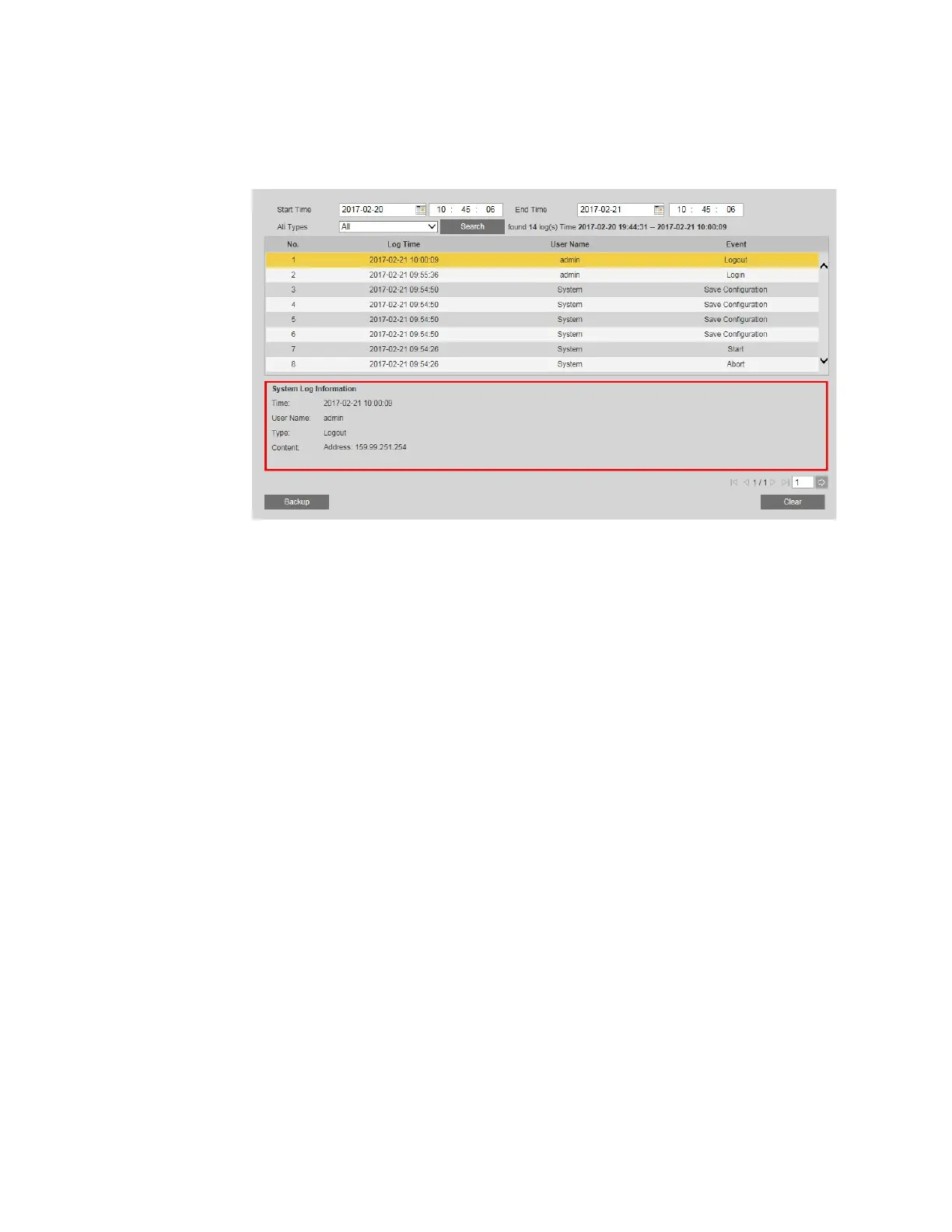
3. To view detailed information about a specific log, click the log. The information is
displayed in the System Log Information box.
Backing Up Logs
To back up a log:
1. Click Backup. The Save As window opens.
2. By default, the backup file is named LogBackup[YYYY-MM-DD].txt. Rename the file if
you want, locate the directory where you want to save the file, and then click Save.
Deleting Logs
To delete all logs:
1. Click Clear.
2. A confirmation message appears. Click OK to continue. All of the logs that you have not
backed up are deleted.



 To Next Page
 Loading...