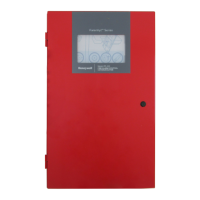
Fire Alarm Control Panel PL-1000
18 M-169.1-SERIE-PL-EN / 09.2022
6.1 Surface mounting
The PL-1000 FACP can be surface mounted onto a flat wall, using suitable fixtures and fittings (height between 80 … 170 cm). As a general recommendation for
type of wall surfaces, ensure assessments are made and suitable fixtures and fittings are used to hold the panel assembly. The panel backbox is mounted on a
concrete block wall.
7: Mark the required hole
STEP 1
Hold the panel backbox horizontally (align using a spirit
level) on the mounting surface and mark the 3 mounting
holes.
CABLE ENTRIES
• Upper 15 cable glands Ø 21 mm
• Back 8 cable glands Ø 21 mm
• Cable entry easy to break
Fig. 14: Cable Entries
STEP 2
Drill the wall on the three fixing points and utilize the
accessories included with the panel (3,5 x 25 mm) to secure
the panel on the wall.
STEP 3
Mounting backbox
Put the screw in the hole , align the screw on the cover with
the keyhole on the back, then insert the screws on the holes
to complete panel installation.



 To Next Page
 Loading...