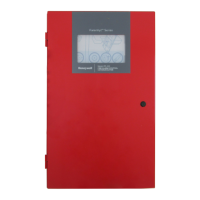
Fire Alarm Control Panel PL-1000
50 M-169.1-SERIE-PL-EN / 09.2022
15.2 System status – panel diagnostic values
1. Follow the steps to enter in “Configuration” menu, then select “Status" then press “Diagnostic values”.
2. Select “Panel” to see current system status: loop current absorbed by the wired field devices, the battery voltage and the charging current. Press the back arrow
to go back to the main screen.



 To Next Page
 Loading...