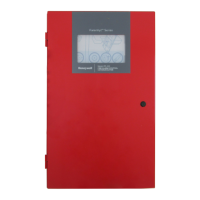
Fire Alarm Control Panel PL-1000
M-169.1-SERIE-PL-EN / 09.2022 41
13.6 Configuration – description
1. From the "Program menu", press the “Description" icon ; the "Zone" icon allows you to define the zones, the "Point" icon allows you to define the points
and the "Sounders" icon allows you to define the sounders.
2. To define a Zone, press on the icon , then press at the right side of the zone number (e.g. Z01), below the icon and type the name of the zone. A QWERTY
keyboard appears to enter the description. It is possible to insert up to 20 characters. Press the "enter" key to save and confirm the zone description. Press the
back arrow to go back to the previous screen.



 To Next Page
 Loading...