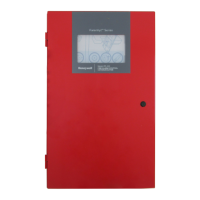
Fire Alarm Control Panel PL-1000
M-169.1-SERIE-PL-EN / 09.2022 27
10 SYSTEM DEFAULT PASSWORD
PASSWORD ENTRY
When a function is protected by password, the below screens appear, indicating the Level required. Using the virtual keyboard, insert the password and confirm with
enter:
Fig. 19: Screen
Password Entry
Alarm, disabled, and faults display
Alarm and faults recognition
Disabled Zone/Point display



 To Next Page
 Loading...