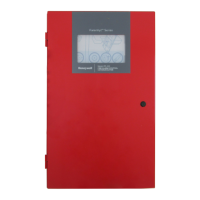
Fire Alarm Control Panel PL-1000
M-169.1-SERIE-PL-EN / 09.2022 45
13.8 Configuration – activation delay
1. Follow the steps to enter in "Panel Configuration" menu.
2. Click on the right of “Activation delay” option, then assigned the output delay activation from 0 (immediate activation) to 600 seconds and confirm with enter.
3. To enable the Output to be activated with the delay set, in the Cause and Effect I/O Matrix must be set the icon to the corresponded Output.



 To Next Page
 Loading...