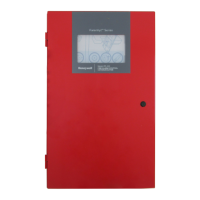
Fire Alarm Control Panel PL-1000
M-169.1-SERIE-PL-EN / 09.2022 33
13.2 Configuration - date and time setting
1. After having pressed the "Date/Time" icon in the “Configuration” menu, press the "Date” icon to set the current date.
2. Insert the date and then press the check mark to save the setting. Press the back arrow to go back the previous screen.



 To Next Page
 Loading...