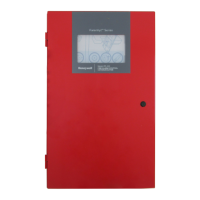
Fire Alarm Control Panel PL-1000
M-169.1-SERIE-PL-EN / 09.2022 51
15.3 System status – points diagnostic values
1. Follow the steps to enter in “Configuration” menu, select “Status" then press “Diagnostic values”.
2. Select “Points” to move to the next screen where you can select “Sensors” or “Modules” list. In this example, we will select Sensors to see the status represented
by the relevant icons. Press the back arrow to go back to the main screen.



 To Next Page
 Loading...