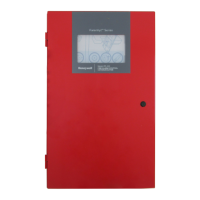
Fire Alarm Control Panel PL-1000
48 M-169.1-SERIE-PL-EN / 09.2022
15 OPERATION - ENABLE / DISABLE SOUNDERS
1. Follow the steps to enter in "Configuration" menu, select “Enable/Disable” icon to have access to Sounder options, then select Sounders to view the list and then
click on the icon near the Sounder to Disable it. The Disabled icon appears near the selected Sounder and label will be updated, in this example SND1.
Press the back arrow to go back to the main screen.
2. To Enable a Sounder again, follow the same steps: clicking on the related Disabled icon the Sounder get activated again, showing the Enabled icon .
Press the back arrow to go back to the main screen.



 To Next Page
 Loading...