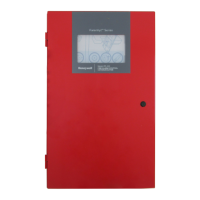
Fire Alarm Control Panel PL-1000
M-169.1-SERIE-PL-EN / 09.2022 53
15.5 System test - panel user interface and relay
1. Follow the steps to enter in “Configuration” menu and select “Test" to access to the related options.
2. Selecting the following icons, you will have:
LED All front panel LED become steady for 3 seconds and then automatically come back to the previous condition
DISPLAY The display change colour dynamically and then come back to the menu
BUZZER The buzzer sounds for 3 seconds and then turn off automatically
RELAY The alarm and trouble relays get activated for 3 seconds and then gets deactivated automatically
3. Press the back arrow to go back to the main screen.



 To Next Page
 Loading...