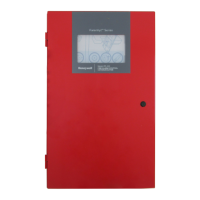
Fire Alarm Control Panel PL-1000
32 M-169.1-SERIE-PL-EN / 09.2022
13.1 Configuration – access to menu
After having connected the devices and the power supply, activate it turning on the control unit and then connecting the batteries as shown in the previous setup and
connection paragraph. When switched on, the programming of the panel must be carried out to allow detecting the connected devices.
1. On the touch screen display press the arrow on the right and then press the gear icon at the top right:
2. The page below will be displayed. Insert the password of level 2 (2222) and press the "enter" key to confirm the password.



 To Next Page
 Loading...