13
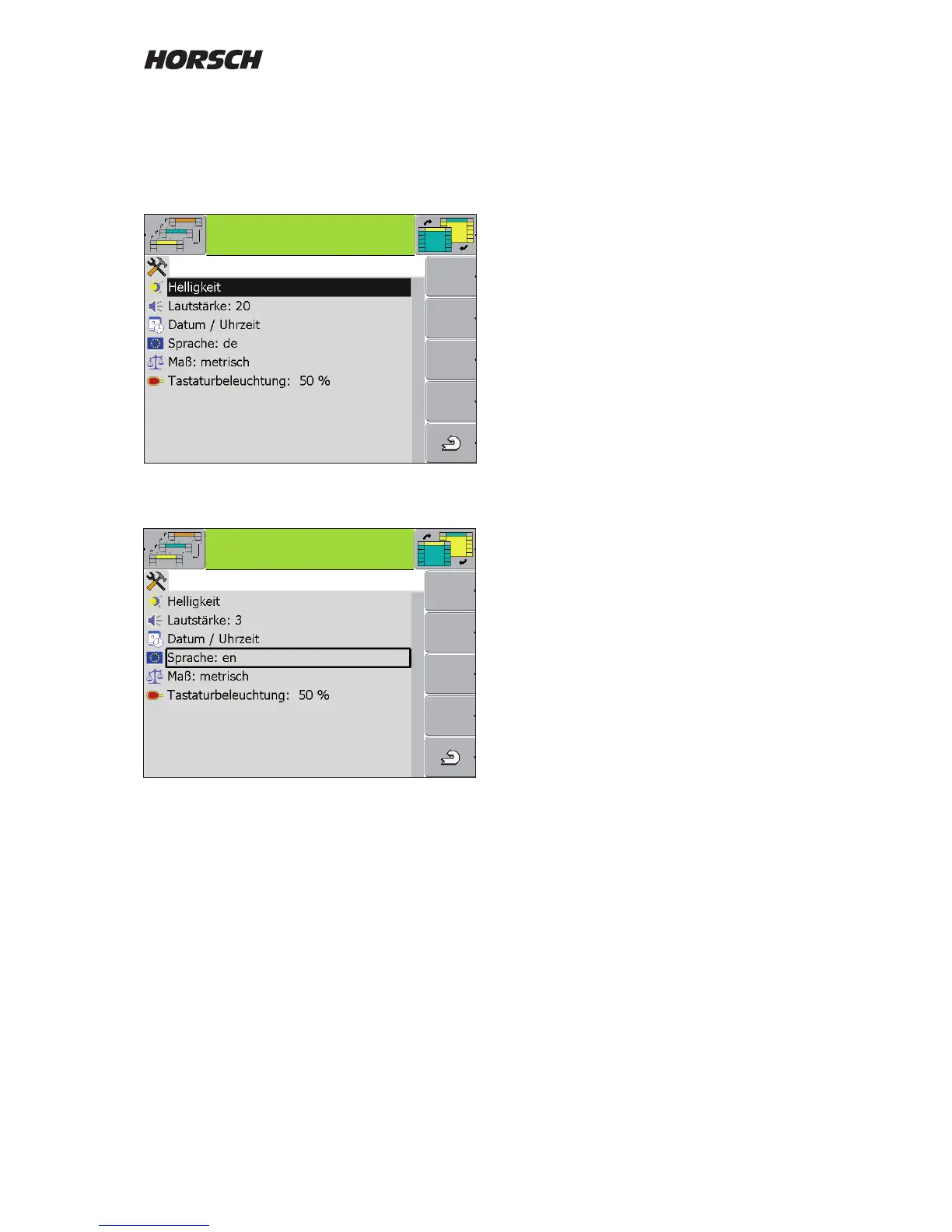
Place and conrm the marking with the rotary
wheel.
Turn the rotary wheel to change the value or
e.g. choose the country specic language and
conrm again.
e.g. language selection
Adapt the settings for brightness, contrast and
keyboard illumination to the light conditions and
your personal appreciation.
Set the volume as loud as possible. Alarm
messages should be audible in your tractor,
even when used in the eld.
Once the settings have been made the terminal
must be switched o and on again.
Depending on the changes, e.g. in language or
the measuring units, the terminal must rst load
the new language or measuring units from the
computer of the machine.
The following languages are currently available:
German de
English en
French fr
Danish da
Polish pl
Czech cs
Romanian ro
Spanish es
Swedish sv
Hungarian hu
Serbian sr
Russian ru
Estonian et
Lithuanian li
Latvian lv
Bulgarian bg
Croatian hr
Finnish
Italian it
Settings and activation for GPS functions like
- Task Manager
- TRACK Leader II
- Section Controll etc.
are described in a dedicated instruction manual.



 To Next Page