29
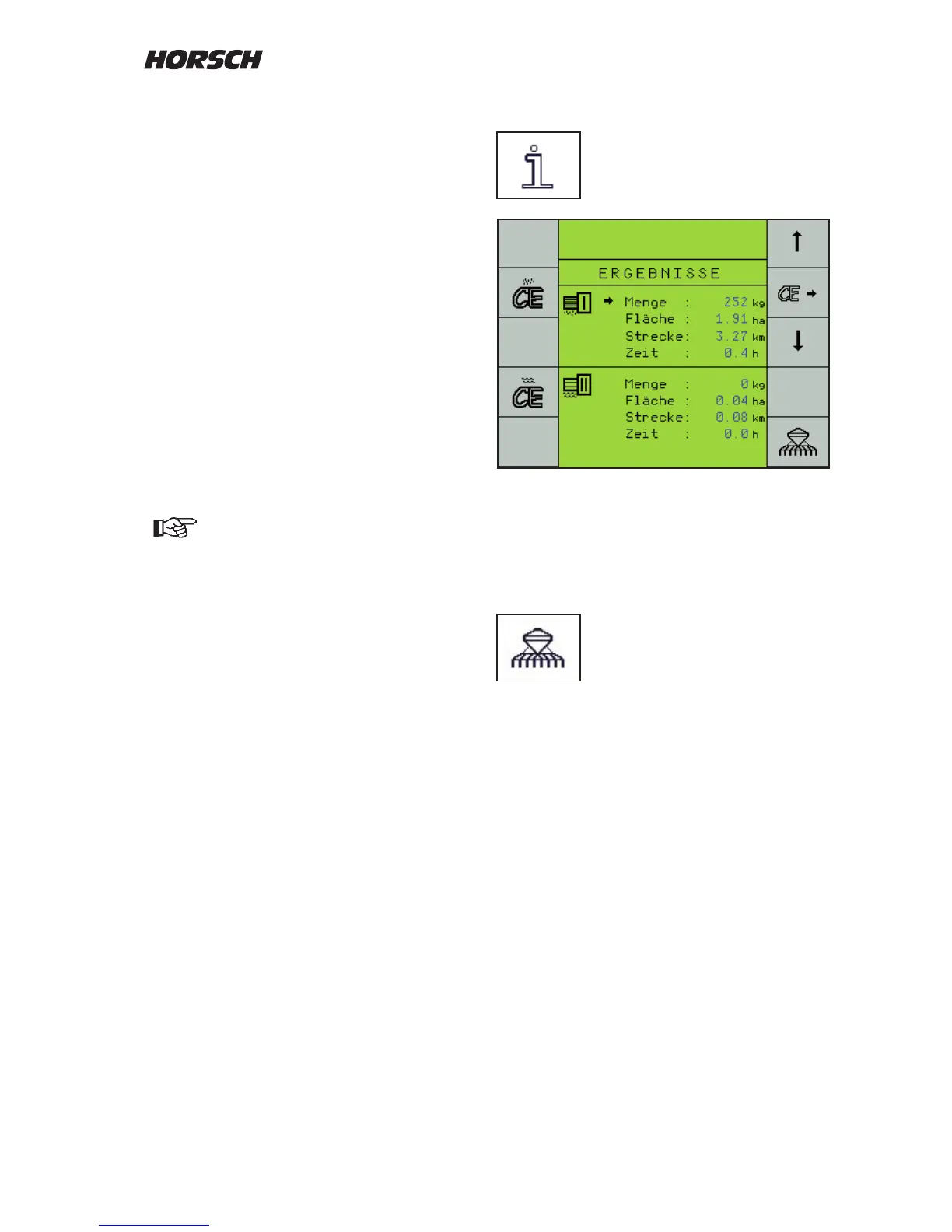
Performance data
The "i"-key is used to display the
seed and area output.
These data can either be completely deleted
per metering with the left hand "CE"-keys, or
individually selected with the right hand arrow
keys and reset to "0" with the right hand
"CE"-key.
Back to the drill program:
First "work page".
Seed Check
The Seed Check is an inspection for the seed
calibration and, during the sowing process, for
the metering accuracy.
The same procedure as for seed calibration must
be performed for this purpose.
The computer retrieves the calibration data from
the last seed calibration and uses the revolutions
of the new seed calibration to calculate a new
value for the calibration quantity.
When switching o the calibration switch, it
shows this value under "Calibration quantity"
in kg.
If the same seed is used as for the previously
performed seed calibration, the weight of the
new seed calibration must be identical with the
gure on the screen.
In case of deviations correct the value
and repeat the control if required.



 To Next Page