15
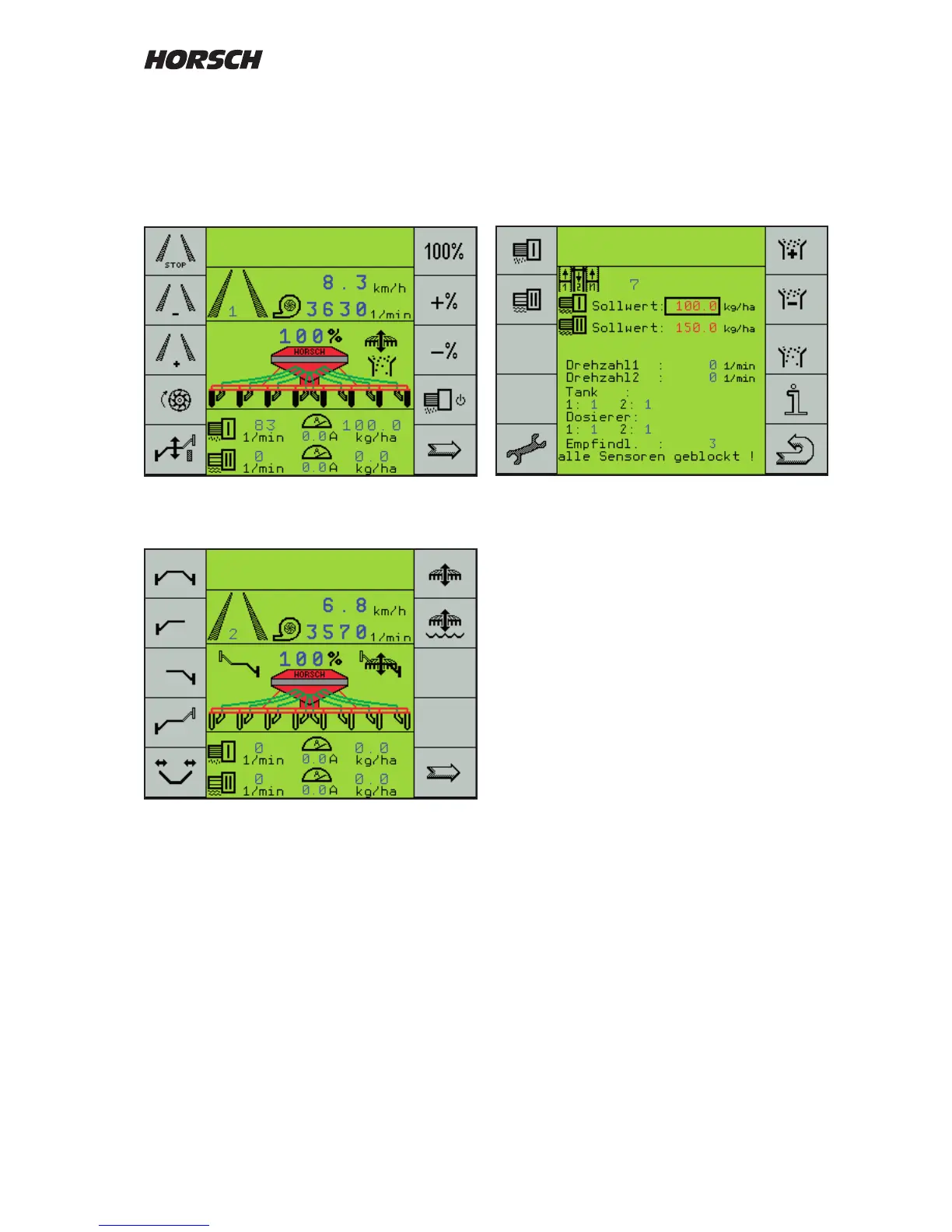
Page three of the work mask is mainly needed
for calibration, to adjust the sensitivity of seed
ow monitoring during operation and for trouble
shooting in case of blockage and with defective
sensors.
Page three of work mask
Pages two and three of the work masks
automatically return to the rst page after
10 seconds during drilling.
The arrow key can also be used to scroll back
to page one.
Adapting the work screen
The rst page of the work screen can be adapted
to your own wishes and practical use, whenever
required.
In this case a new display page is placed in front
of the rst standard page.
You can congure this page yourself in the
menu "Machine configuration" under menu
option "extra key selection" (see machine
conguration).
Screen display work mask
After switching on page one of the work mask
will always be displayed.
The displayed image will always depend on the
setting and the available equipment.
Page one of work mask
Work mask second page



 To Next Page