16
Function symbols
The symbols in the display represent the
functions of the corresponding keys.
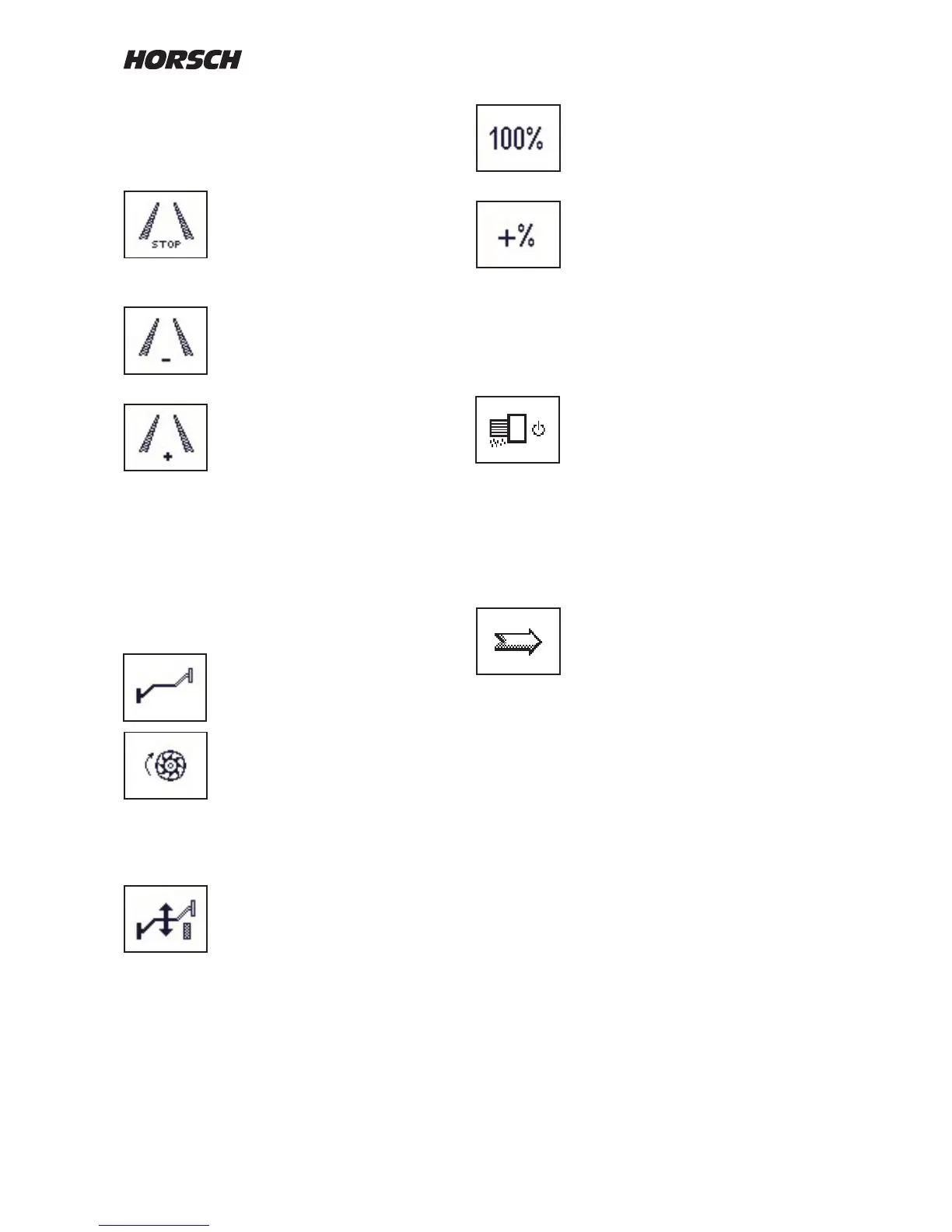
Stop button for tram line:
The button prevents the rhythm
being switched further after the
machine has been lifted out of
work. The function is indicated with
STOP between the tracks.
The tram line rhythm is increased
by one track with every operation
of the key.
The track number is displayed
between the tracks.
In case of a tram line track the
switched tracks are black under
laid.
In addition, the closed coulter rows
no longer appear in the display
during the sowing.
If the machine is equipped with the hydraulic bout
marker control, the symbol for the alternating
bout marker will appear instead of the
"Tram Line +" symbol when pressing "STOP
Tram Line".
This button can now be used to
change the side for the bout marker.
If stationary with the drill lowered
by pressing the meter fill drill
function, the metering unit will start
up over a specified time. If the
computer receives a speed signal
during this period, the computer will
take over the control.
Post mode:
The post mode disables the
hydraulic "Lifting" function.
When operating the control unit only
the bout marker will be hydraulically triggered.
The machine remains in working position. The
work signal is hydraulically blocked and the tram
line will not count on.
Seed quantity 100 %:
If the seed quantity had been
adjusted with the +% or -% keys,
pressing this key will switch back to
the default seed quantity in kg/ha.
With the adjustment keys +% or -%
the seed quantity can be set and
reset in several steps.
The seed quantity is displayed in % by the
display above the hopper. The percentage step
can be changed in the machine data. There you
can also select whether only the seed quantity
is to be changed, or also the fertiliser quantity.
Switching the drill function ON / OFF:
With the drill function switched o
the display will show STOP under
the drill.
If the drill function is switched on,
the drill is lowered to work position
and the computer receives a speed
signal,
the computer will start the control
process.
Continue to next page:
If the hydraulic bout marker control
or the half width control is activated,
the next page will show the menu
for bout marker control, lifting and
folding of the machine half width
switch o.



 To Next Page