7-2
Meet
the
HP
8904A
Has
Your
HP
8904A
Been Equipped
with
Additional Features?
You
can quickly determine
if
your HP
8904A
has been equipped with
optional operating capabilities by performing the following steps.
1.
To
power-up your
HP
8904A,
press the white
LINE
key.
2.
Now
press the blue
SHIFT
key
and
then the
PRESET
key.
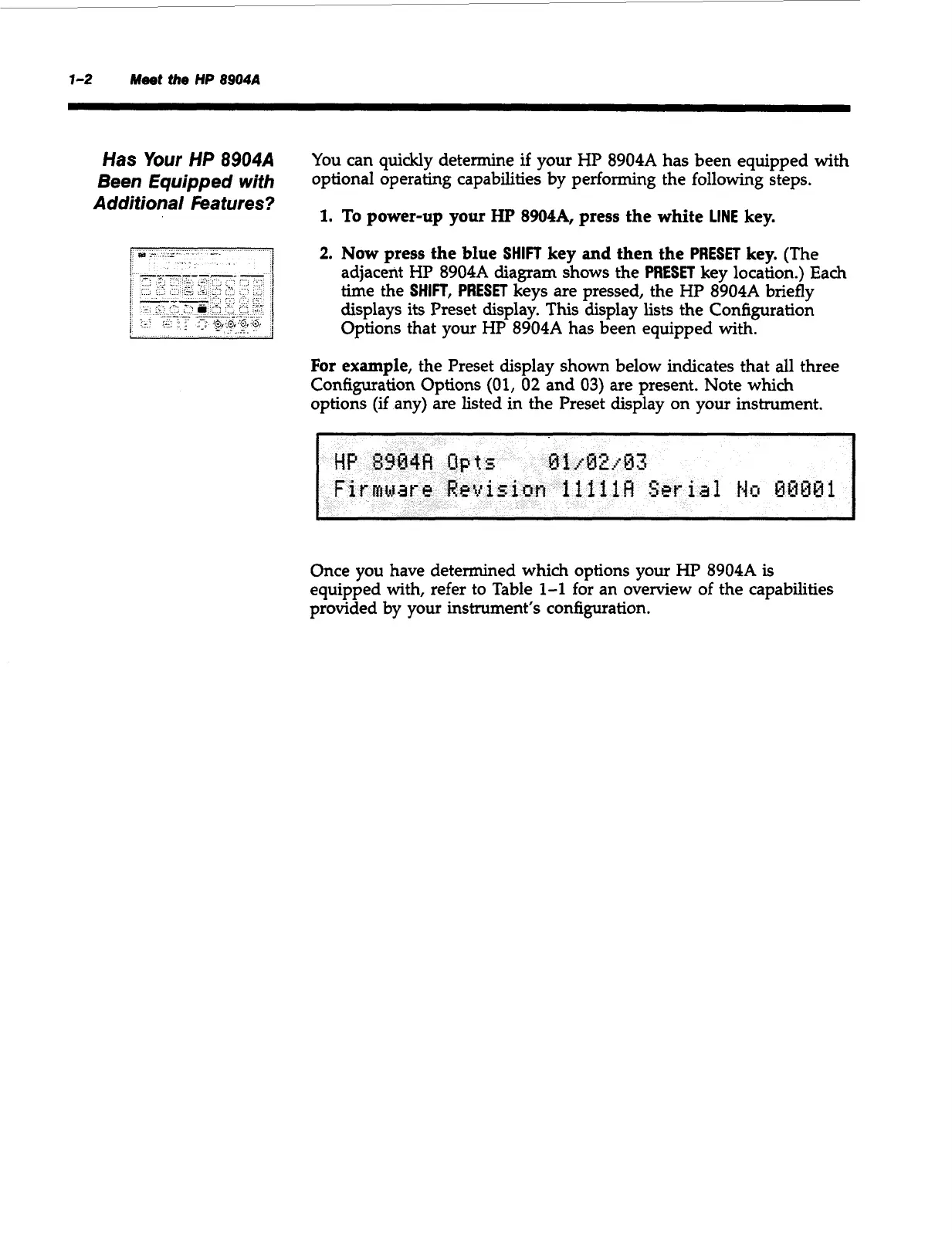
(The
adjacent
HP
8904A
diagram shows the
PRESET
key location.) Each
time the
SHIFT,
PRESET
keys are pressed, the HP
8904A
briefly
displays its Preset display. This display lists the Configuration
Options that your HP
8904A
has been equipped with.
For example,
the Preset display shown below indicates that all three
Configuration Options
(01,
02
and
03)
are present. Note
which
options (if any) are listed in the Preset display on your instrument.
Once you have determined
which
options your HP
8904A
is
equipped with, refer to Table
1-1
for an overview of the capabilities
provided by your instrument’s configuration.
Artisan Technology Group - Quality Instrumentation ... Guaranteed | (888) 88-SOURCE | www.artisantg.com



 To Next Page