Operation Model 8904A
3-3.
HOW
TO
CREATE AND OUTPUT A SIGNAL
Each channel available in your HP 8904A is set
to
default values each time the instrument
is
powered
up. You must specify any signal parameters you need
to change
in
the Channel Configuration Mode
before you can output the desired signal.
To
enter the Channel Configuration Mode, press the
fl
key
from the Main Selection Level.
You can then store the instrument settings you have specified by using the SAVE and RECALL keys
to
access the storage registers.
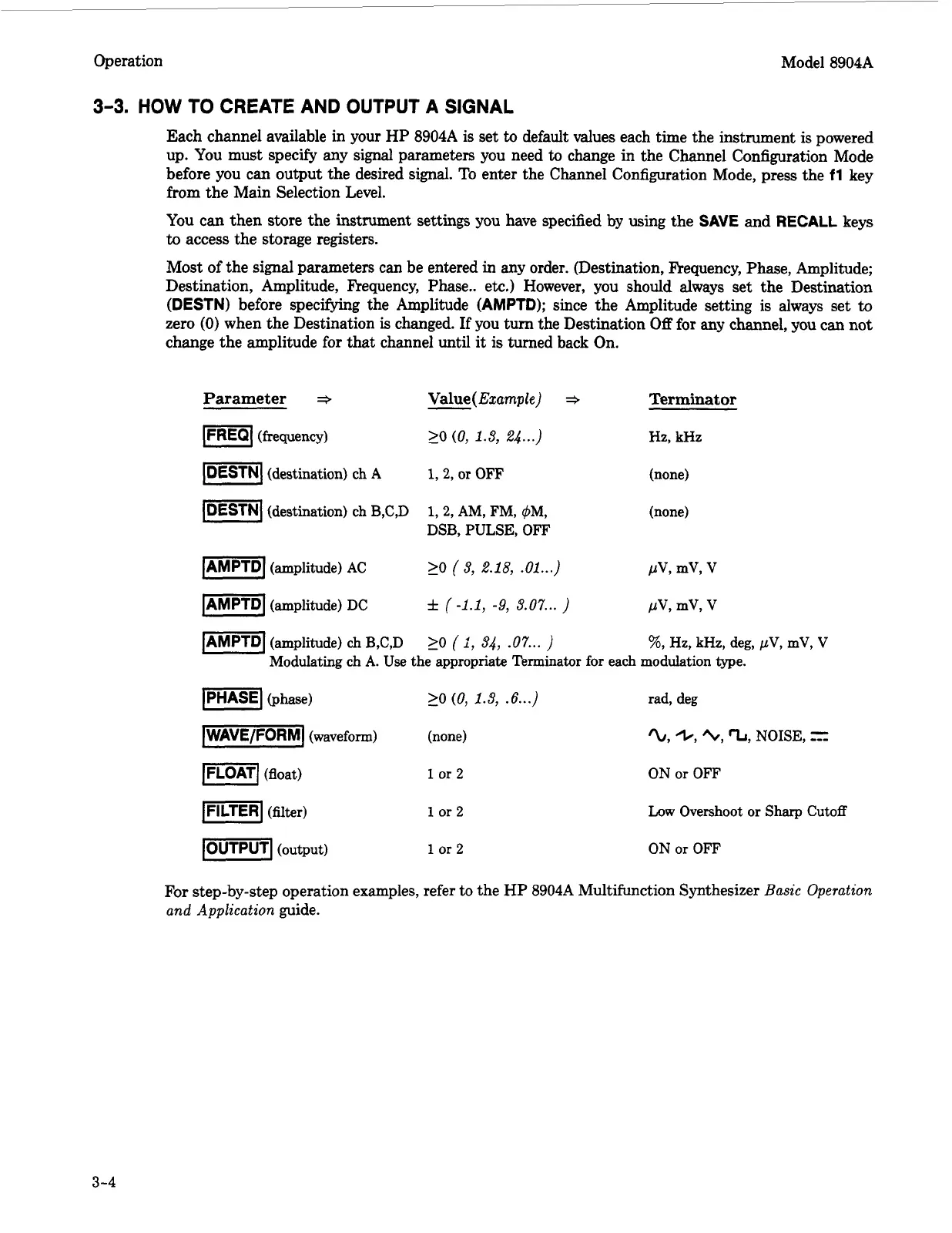
Most of the signal parameters can be entered in any order. (Destination, Frequency, Phase, Amplitude;
Destination, Amplitude, Frequency, Phase.. etc.) However, you should
always
set the Destination
(DESTN) before specifying the Amplitude (AMPTD); since the Amplitude setting
is
always set
to
zero
(0)
when the Destination
is
changed. If you turn the Destination
Off
for any channel, you can not
change the amplitude for that channel until it is turned back On.
Parameter
+
Value(
Ezample)
*
IFREQI
(frequency)
20
(0,
1.8,
24
...)
Im]
(destination) ch
A
-1
(destination) ch B,C,D
1,2,
or
OFF
1,2, AM,
FM, 4M,
DSB,
PULSE,
OFF
Terminat
or
Hz,
kHz
(none)
(none)
IAMPTD]
(amplitude)
AC
1-1
(amplitude) DC
20
(9,
2.18,
.Ol...)
f
(-1.1,
-9,
9.07
...
)
(amplitude)
ch
B,C,D
20
(
I,
94,
.07...
Modulating ch
A.
Use the appropriate Terminator for each modulation type.
-1
(phase)
-1
(waveform) (none)
ml
(float)
1
or
2
1-1
(filter)
1
or 2
>O
(0,
1.8,
.6...)
pmq
(output)
1
or
2
rad, deg
'L,
+,
E\I,
'L,
NOISE,
=
ON
or
OFF
Low Overshoot or Sharp Cutoff
ON
or
OFF
For
step-by-step operation examples, refer to the HP 8904A Multifunction Synthesizer
Basic Operation
and Application
guide.
3-4
Artisan Technology Group - Quality Instrumentation ... Guaranteed | (888) 88-SOURCE | www.artisantg.com



 To Next Page