7-4
Meet
the
HP
890444
HP
8904A
Operation:
A
Guided
Tour
Note
Now
io
Begin
In this chapter, you will learn how to output each of the
HP
8904A’s
six waveforms.
If
your
HP
8904A
is equipped with one of the Configuration Options
(01, 02
or
03),
you will also want to refer to Chapters
2
through
5
to
learn to use the capabilities that they provide.
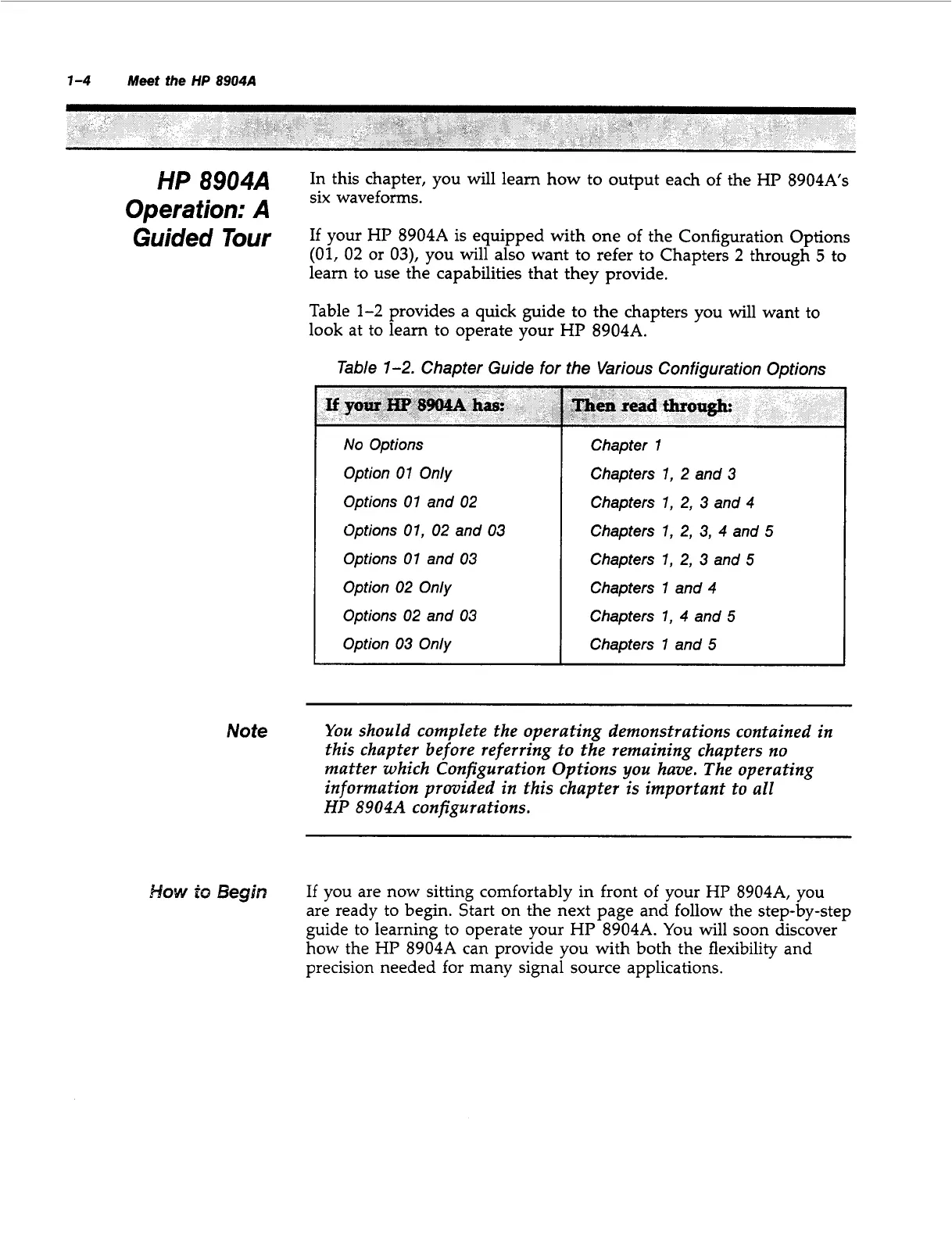
Table
1-2
provides a quick guide to the chapters you will want to
look at to learn to operate your
HP
8904A.
Table
1-2.
Chapter Guide for
the
Various Configuration Options
If
your
HP
8904A
has:
No
Options
Option
01
Only
Options
01
and
02
Options
01,
02
and
03
Options
01
and
03
Option
02
Only
Options
02
and
03
Option
03
Only
Then
read
thro-
Chapter
1
Chapters
1,
2
and
3
Chapters
1,
2,
3
and
4
Chapters
1,
2,
3,
4
and
5
Chapters
1,
2,
3
and
5
Chapters
1
and
4
Chapters
1,
4
and
5
Chapters
1
and
5
You
should complete the operating demonstrations contained in
this chapter before referring to the remaining chapters
no
matter which Configuration Options
you
have. The operating
information provided in this chapter
is
important to all
HP 8904A
configurations.
If
you are now sitting comfortably in front
of
your
HP
8904A,
you
are ready to begin. Start on the next page and follow the step-by-step
guide to learning to operate your
HP
8904A.
You will soon discover
how the
HP
8904A
can provide you with both the flexibility and
precision needed for many signal source applications.
Artisan Technology Group - Quality Instrumentation ... Guaranteed | (888) 88-SOURCE | www.artisantg.com



 To Next Page