SpO2 Monitoring (Optional)
Using SpO2 to Monitor a Patient
6-6
Avoid placing the SpO
2
sensor on any extremity with an arterial catheter, blood
pressure cuff, or intravascular venous infusion line.
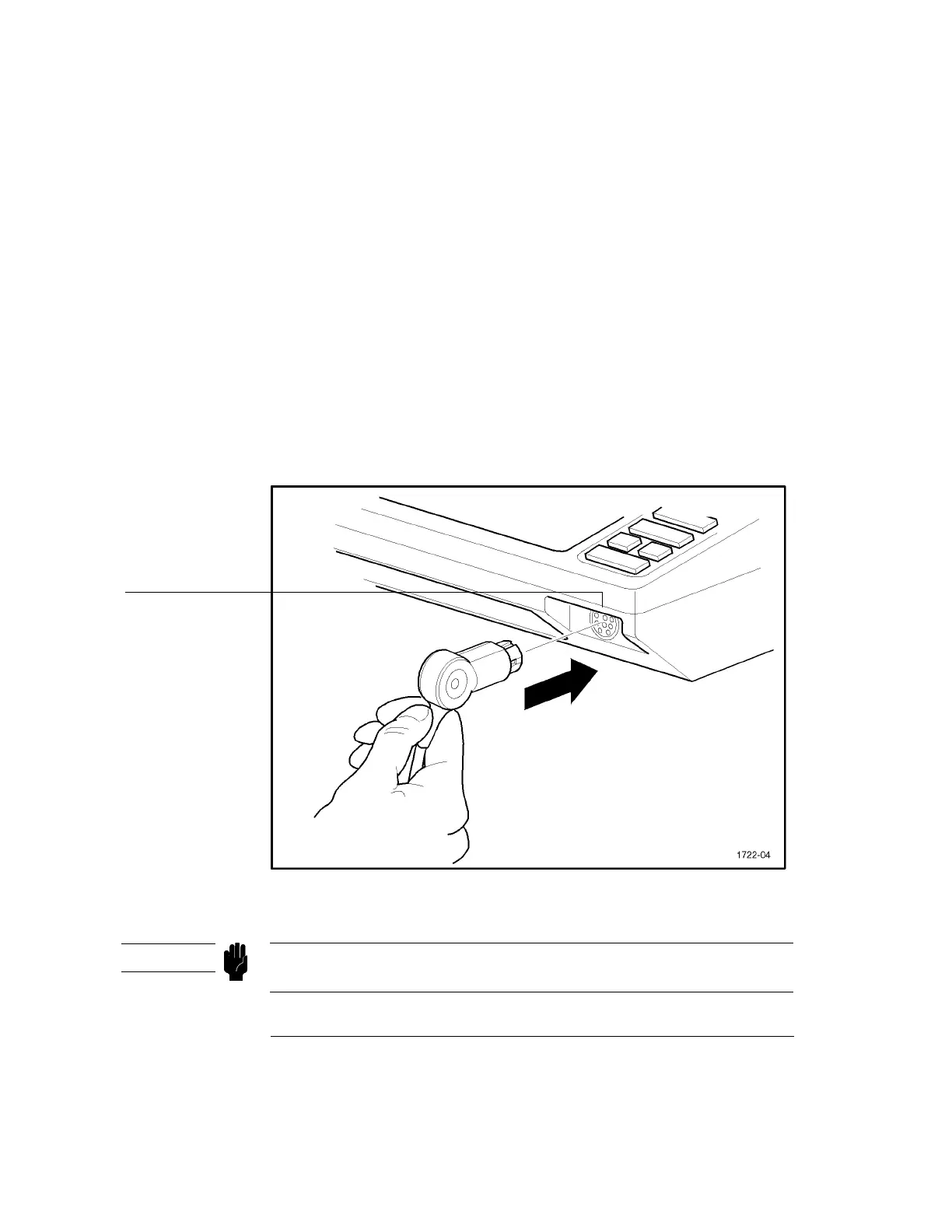
Connect the Sensor to the CodeMaster XL+
When you have applied the sensor to the patient, plug the disposable and semi-
disposable sensors into the connector cable and plug this cable into the SpO
2
socket
on the lower right of the CodeMaster XL+. Plug the HP M1190A sensor directly
into the SpO
2
socket of the CodeMaster XL+. The plug is keyed and is color-coded
blue to distinguish it from the white ECG socket.
Figure 6-3
Connecting the SpO
2
Sensor to the CodeMaster XL+
Do not force the SpO
2
connector into the ECG input socket. Doing so may damage
the pins on the cable connector.
SpO
2
input
CAUTION



 To Next Page