HP D300 Digital Dispenser
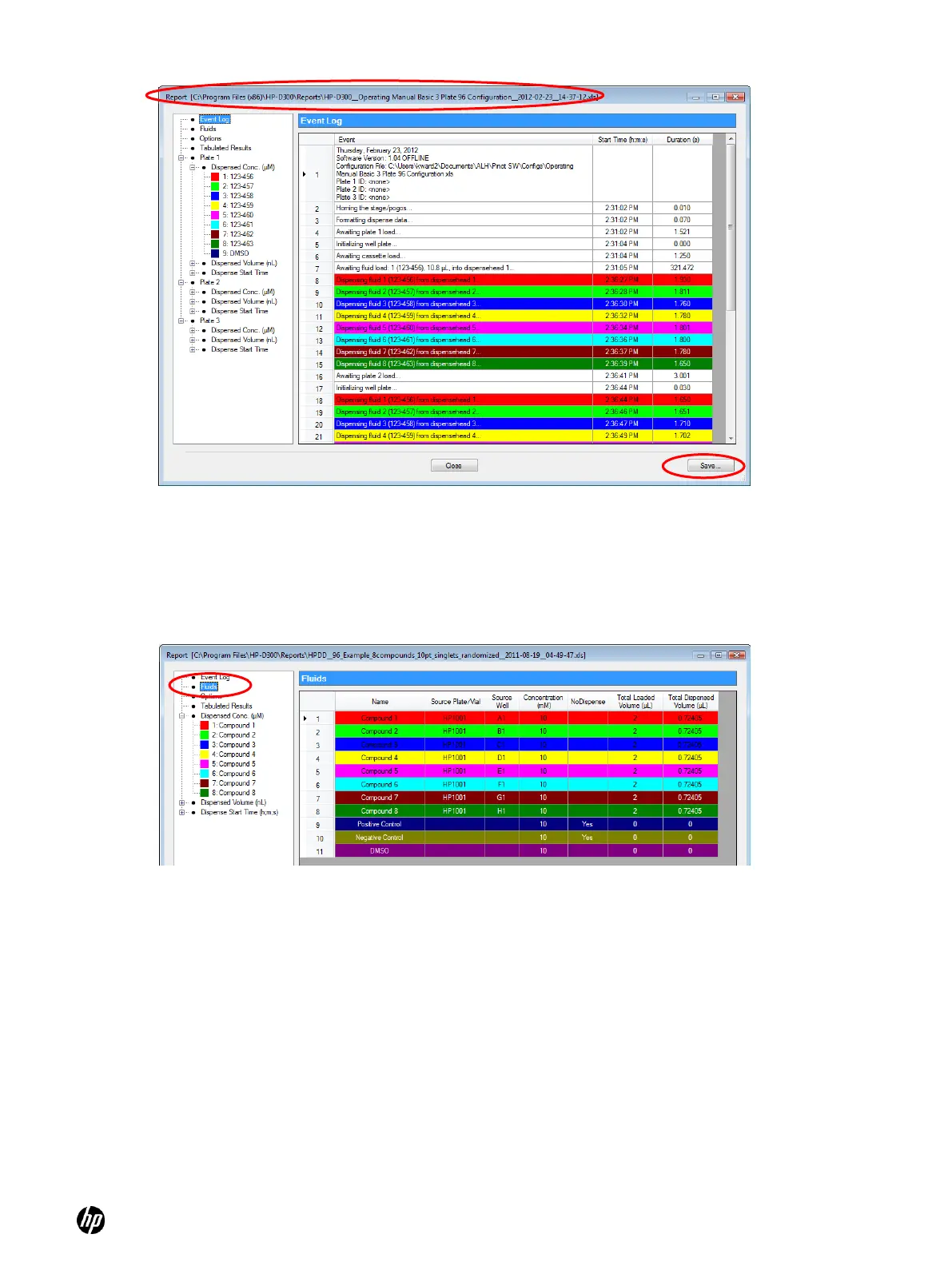
Figure 4-28 Report dialog box
When the Report dialog box opens, the Event Log pane is initially displayed, but information about
the fluids and assay volumes can be examined by clicking Fluids or Options in the menu on the left
pane. To view more information about the dispense operation, click the menu options to section of
the report you want to view as shown in Figure 4-29 and Figure 4-30.
Figure 4-29 Report Fluids sheet



 To Next Page