HP D300 Digital Dispenser
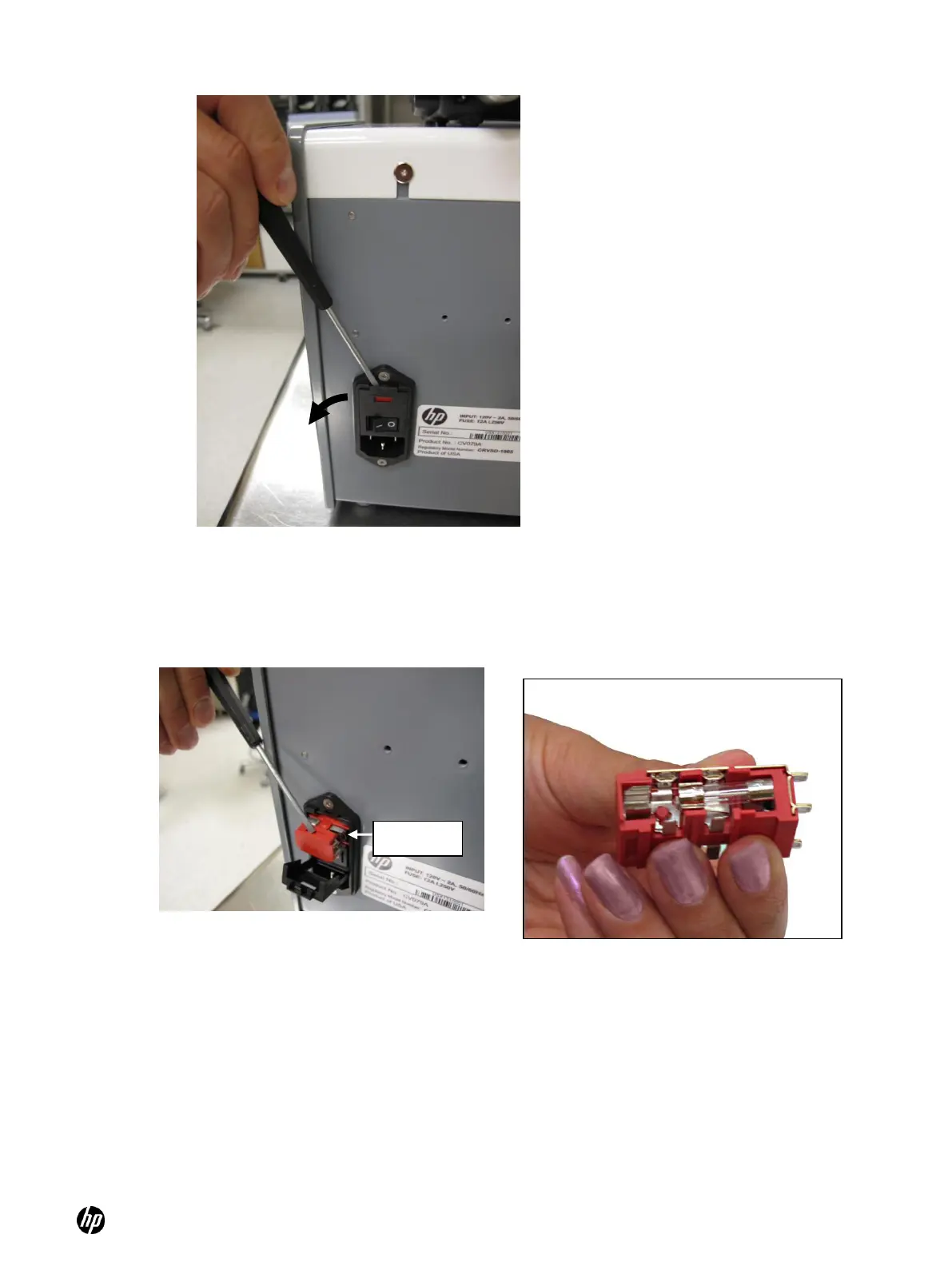
Figure 6-5 Pry the cover at the top of the power inlet module and flip down
2. Use the small screwdriver to pry the red fuse holder out of the AC power inlet module. See
Figure 6-6 and Figure 6-7.
Figure 6-6 Flip down the black cover and pry
out the red fuse holder
3. Carefully pry the fuse out of the holder with the small screwdriver or other tool and look for
visible damage. The fuse is good if the filament is visibly continuous and unbroken from one
end of the fuse to the other. See Figure 6-8 and Figure 6-9.



 To Next Page