EasyManua.ls Logo

HP HP-18C - Using a Result in Another Calculation; Editing and Clearing the Calculator Line

HP HP-18C
226 pages
Print Icon
To Next Page IconTo Next Page
To Previous Page IconTo Previous Page
Loading...
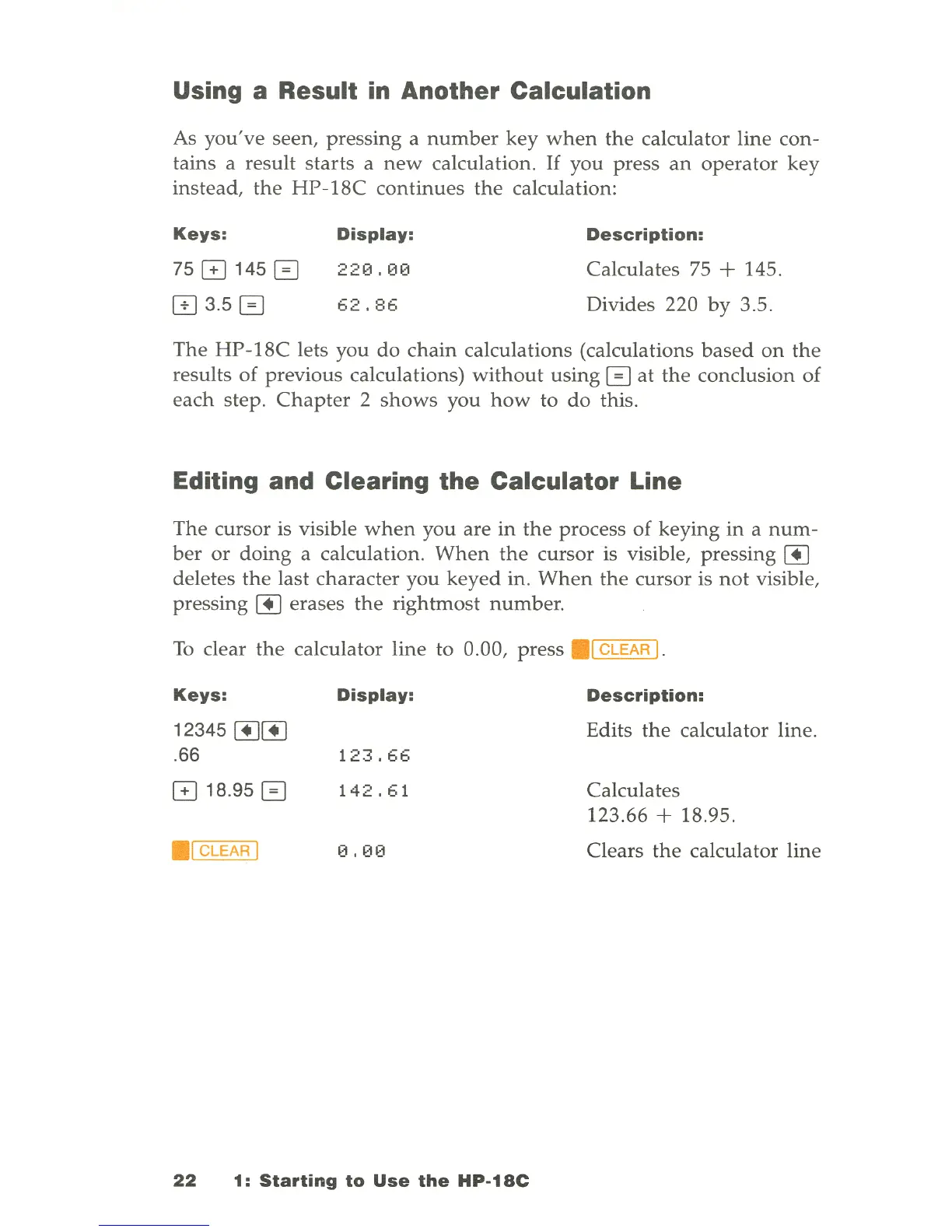
Using a Result in Another Calculation
As
you
'
ve
seen,
pressing
a
number
key
when
the
calculator
line
con-
tains
a
result
starts
a
new
calculation
.
If
you
press
an
operator
key
instead
,
the
HP-18C
continues
the
calculation:
Keys:
7501450
IT] 3.5 0
Display:
220.00
62.86
Description:
Calculates
75 + 145.
Divides
220
by
3.5.
The
HP-18C
lets
you
do
chain
calculations
(calculations
based
on
the
results
of
previous
calculations)
without
using
0
at
the
conclusion
of
each
step.
Chapter
2
shows
you
how
to
do
this.
Editing and Clearing
the
Calculator Line
The
cursor
is visible
when
you
are
in
the
process
of
keying
in
a
num-
ber
or
doing
a
calculation
.
When
the
cursor
is visible,
pressing
[!]
deletes
the
last
character
you
keyed
in
.
When
the
cursor
is
not
visible,
pressing
[!]
erases
the
rightmost
number
.
To
clear
the
calculator
line
to
0.00,
press
.1
CLEAR I.
Keys:
Display:
Description:
12345
[!][!]
Edits
the
calculator
line
.
. 66
123.66
018
.
950
142.61
Calculates
123
.
66
+ 18.95 .
1 CLEAR I
0.00
Clears
the
calculator
line
22
1:
Starting
to
Use
the
HP-18C

Table of Contents

Related product manuals