Getting to know your computer2
Your computer features top-rated components. This chapter provides details about your components,
where they are located, and how they work.
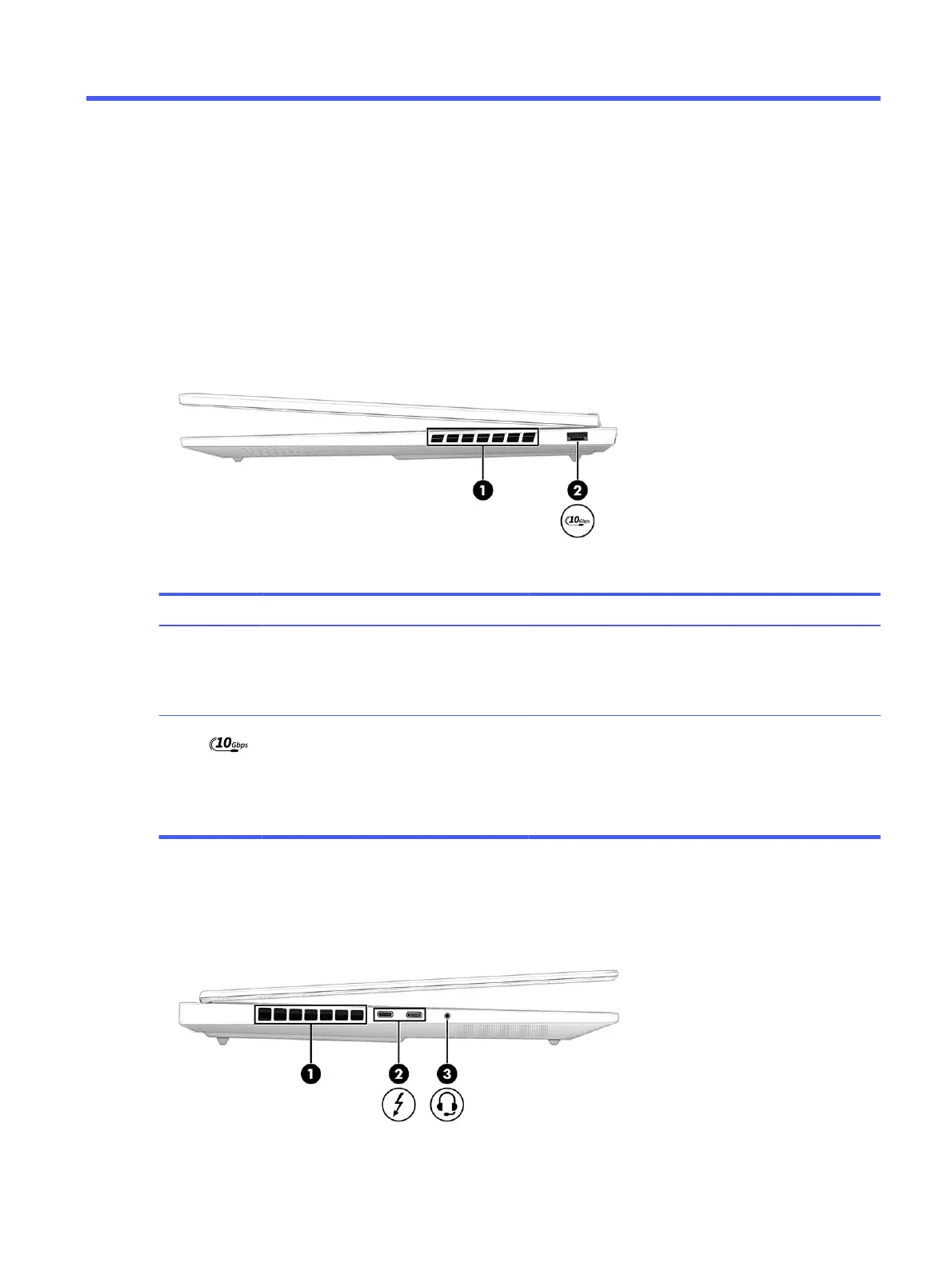
Right side
Identify the components on the right side of the computer.
Table 2-1
Right-side components and their descriptions
Component Description
(1) Vent Enables airflow to cool internal components.
NOTE: The computer fan starts up automatically to cool
internal components and prevent overheating. It is normal for
the internal fan to cycle on and off during routine operation.
(2) USB 10 Gbps port Connects a USB device, provides high-speed data transfer,
and (for select products) charges small devices (such as a
smartphone) when the computer is on.
NOTE: Use a standard USB Type-A charging cable or cable
adapter (purchased separately) when charging a small
external device.
Left side
Identify the components on the left side of the computer.
Getting to know your computer
7



 To Next Page