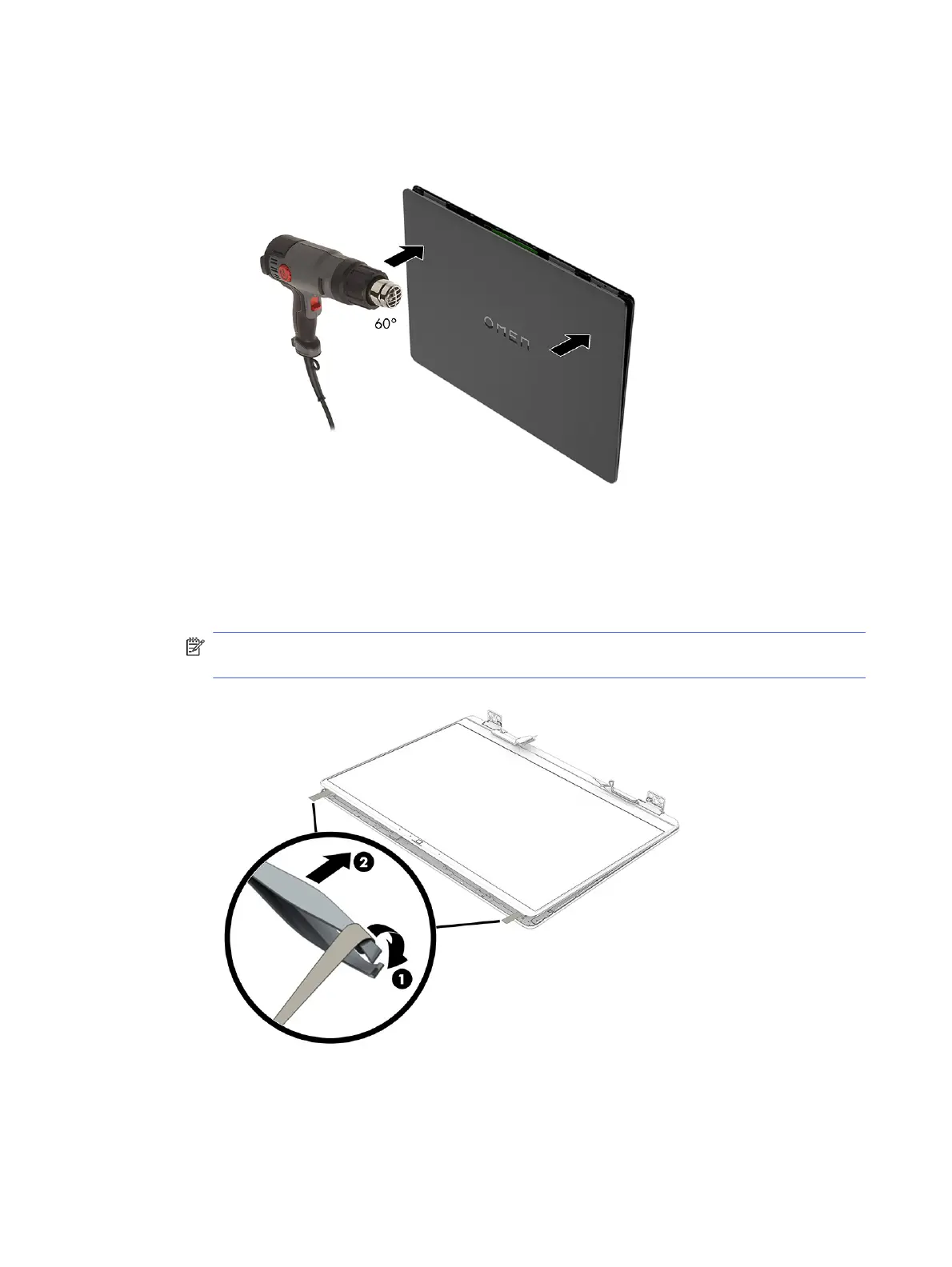
b. Use a heat gun to heat both sides of the display rear cover with the OMEN logo in the middle to
approximately 60° C (140° F).
c. At the top left and right corners of the display panel, use tweezers (1) to grasp the end of the
stretchable tape that is installed under the display panel.
d. Pull the tape (2) out from behind the display panel. You have to pull the tape several times to
completely remove it.
NOTE: Pull the tape out from behind the panel slowly and carefully, as the tape softens when
the panel is heated.
70
Chapter 7 Removal and replacement procedures for authorized service provider parts



 To Next Page