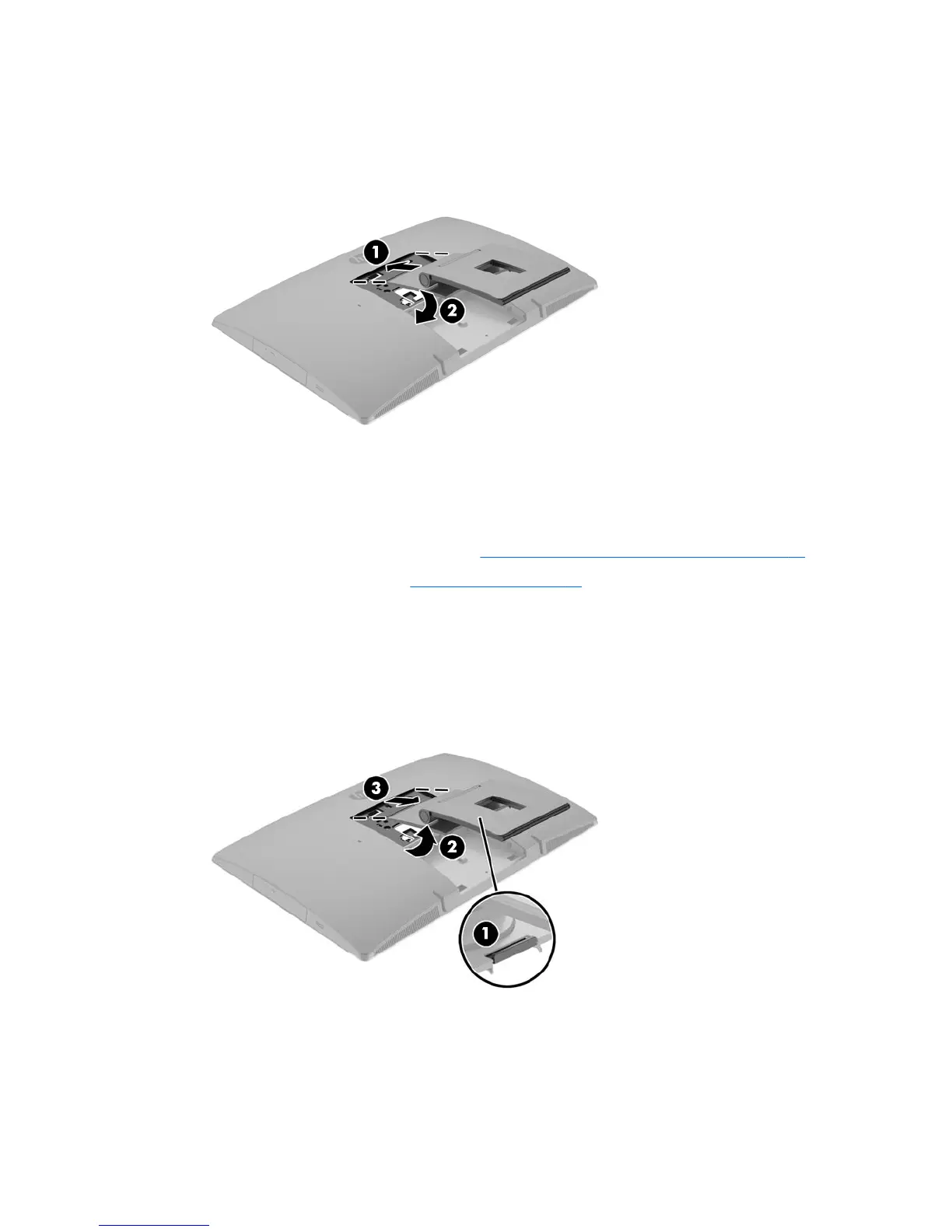
3. Lower the stand onto the computer and press down until it clicks into place (2).
Removing an easel stand
To remove the stand:
1. Prepare the computer for disassembly (see Preparing to disassemble the computer on page 22).
2. Remove the rear port cover (see Rear port cover on page 23).
3. Press the release latch under the stand (1).
4. Lift the stand up (2), and then pull the stand hooks out of the computer (3).
Attaching and removing a stand 27



 To Next Page
 Loading...


