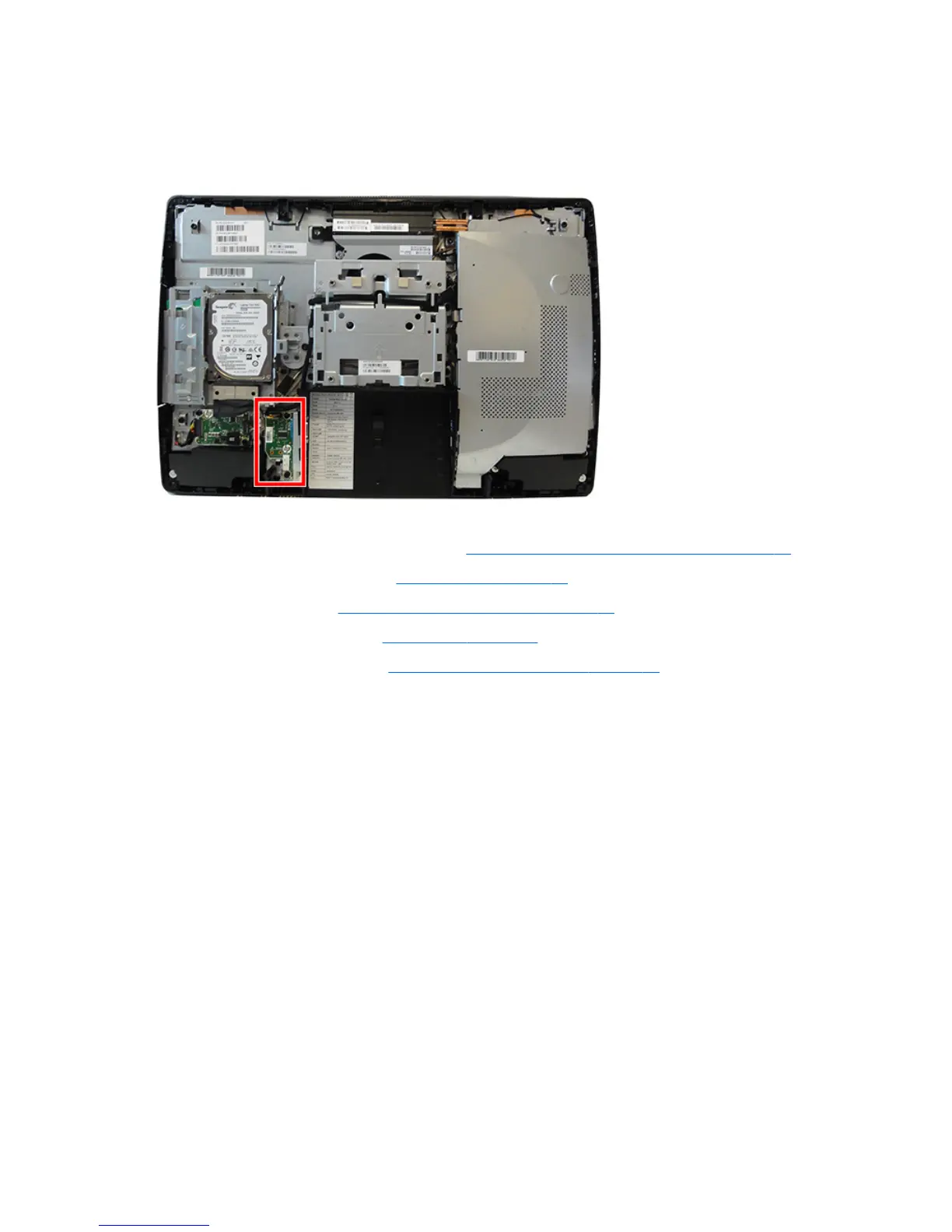
Serial/PS2 board
The serial/PS2 board is located to the left of the rear I/O panel. It is secured with two screws and has one
connected cable.
To remove the serial/PS2 board:
1. Prepare the computer for disassembly (see Preparing to disassemble the computer on page 22).
2. Remove the rear port cover (see Rear port cover on page 23).
3. Remove the stand (see Attaching and removing a stand on page 24).
4. Remove the access panel (see Access panel on page 28).
5. Remove the rear I/O panel (see Rear I/O cover and bottom trim on page 64).
6. Disconnect the cable (1) from the board.
52 Chapter 4 Removal and Replacement Procedures



 To Next Page
 Loading...


