15
2.2 Charging the Battery
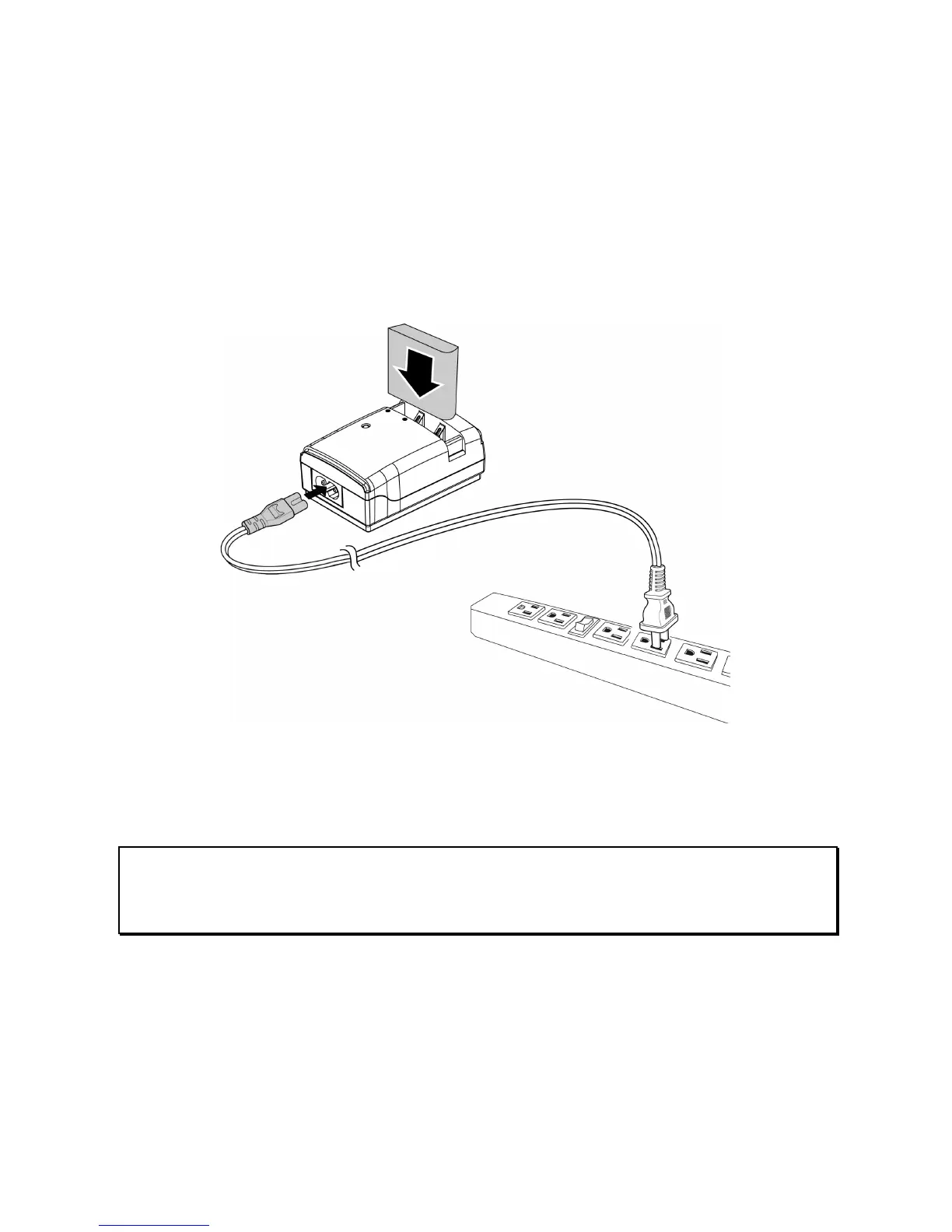
It is recommended that the NP-40 Lithium Battery be fully charged
before use. First, connect the external battery charger to the AC
power source (wall outlet or power strip). Next, plug the battery into
the external charger as illustrated below. The battery may take up
to 2 1/2 hours to charge. When the light on the charger turns green,
remove the battery and use when ready.
Note:
Do not leave the battery in the charger for extended periods of time after
it has been fully charged.



 To Next Page