78
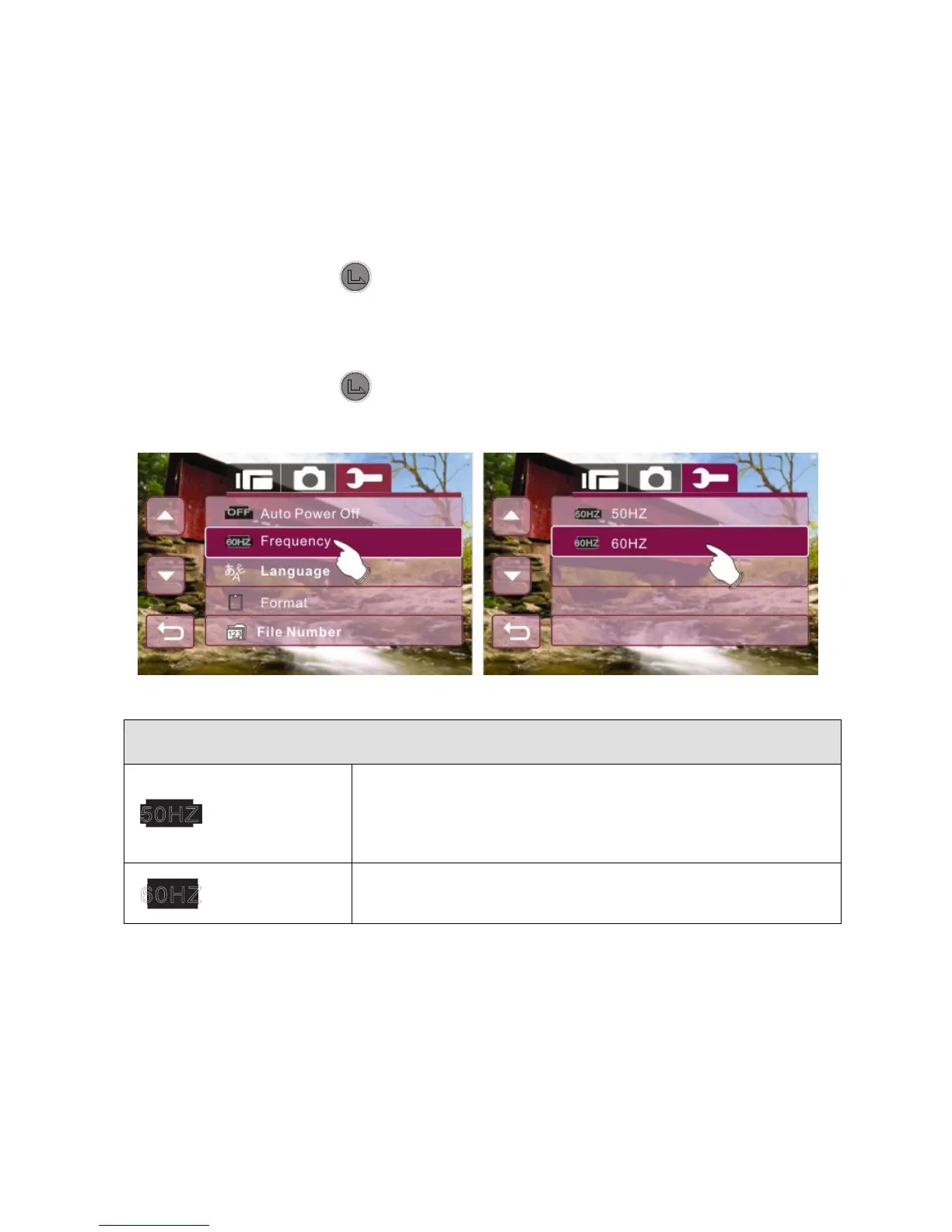
6.5.7 77BFrequency
Use the Frequency option to set the frequency system for your area.
1. Enter Setup menu, use the 4-Way Direction Button to
highlight Frequency.
2. Press the button or touch the Frequency icon on
screen to display the submenu.
3. Use the 4-Way Direction Button to select 50 Hz or 60 Hz.
Press the button or touch the selected option icon on
screen to set.
Frequency setting reference:
50HZ
UK, Germany, Spain, Italy, France,
Netherlands, Portugal, Russia, China,
Japan
60HZ USA, Taiwan, Korea, Japan



 To Next Page