75
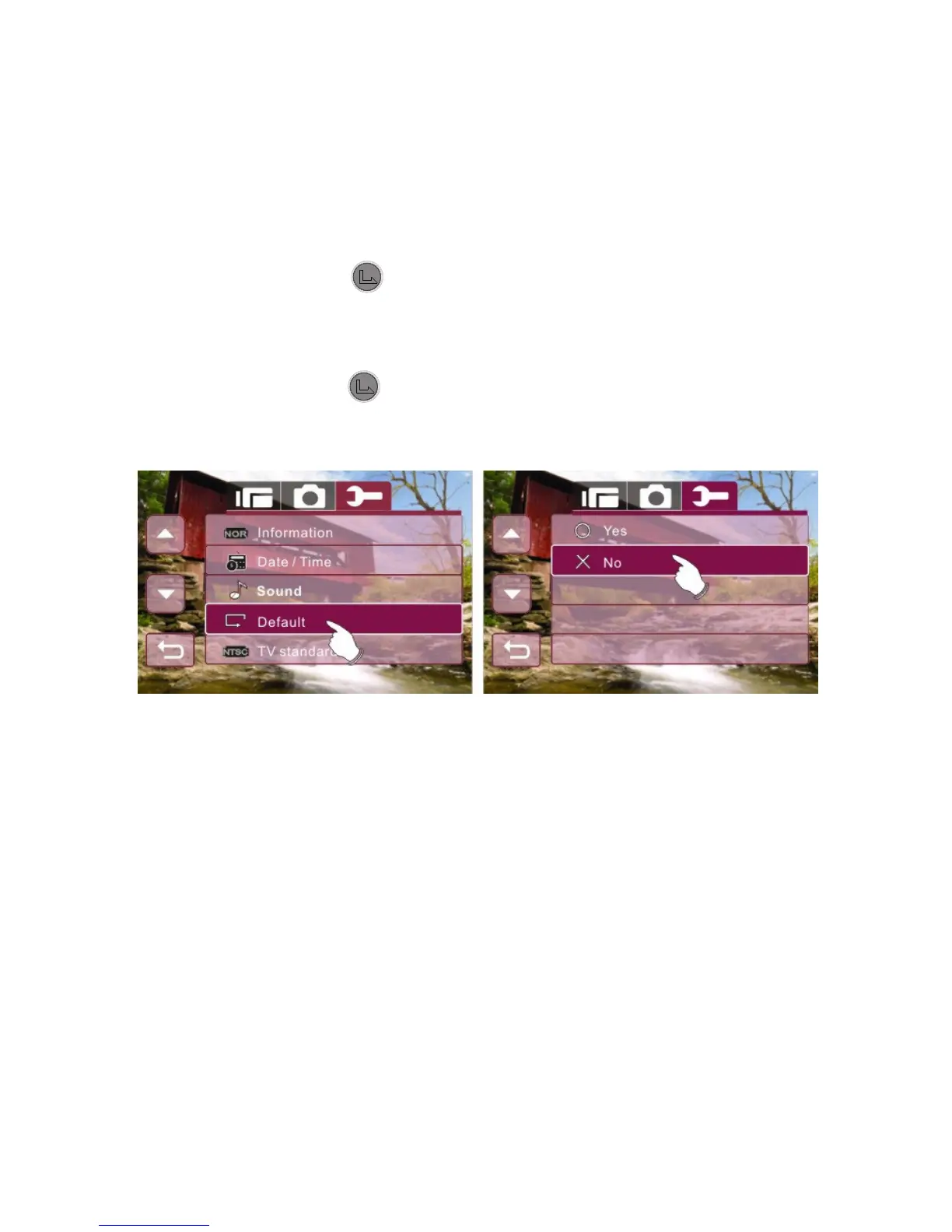
6.5.4 74BDefault
Use this function to reset all settings to the default setting.
1. Enter Setup menu, use the 4-Way Direction Button to
highlight Default.
2. Press the button or touch the Default icon on screen
to display the submenu.
3. Use the 4-Way Direction Button to select "O" YES or "X"
NO. Press button or touch the selected option icon on
screen to select the item.



 To Next Page