74
6.5.2 72BDate & Time
Please refer to 2.7 for the Setting of Date and time.
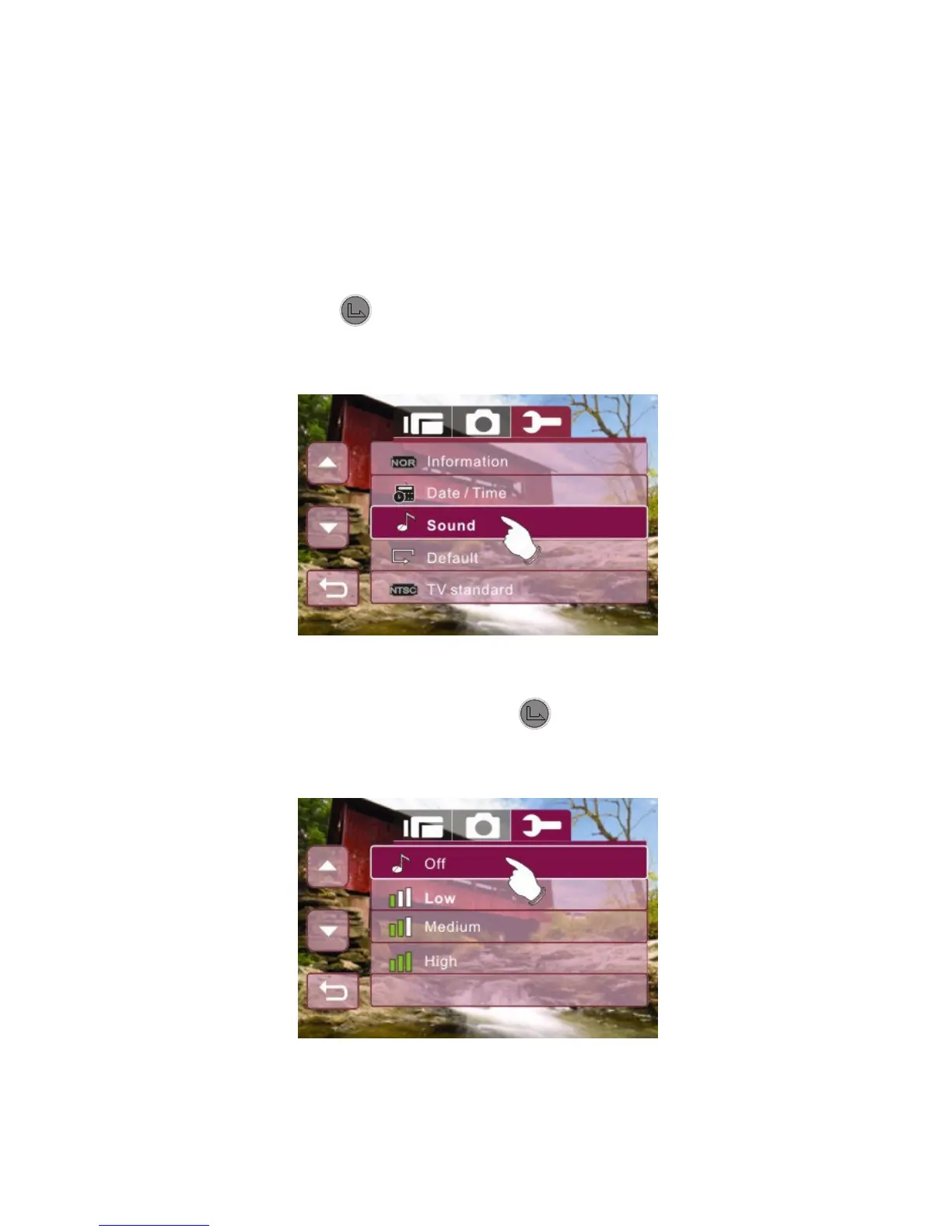
6.5.3 73BSound
1. Enter Setup menu, use the 4-Way Direction Button to
highlight Sound.
2. Press the button selection Button or touch the Sound
icon on screen to display the submenu.
3. Use the 4-Way Direction Button to select Off, Low,
Medium or High. Press the button or touch the
selected option icon on screen to set.



 To Next Page