62
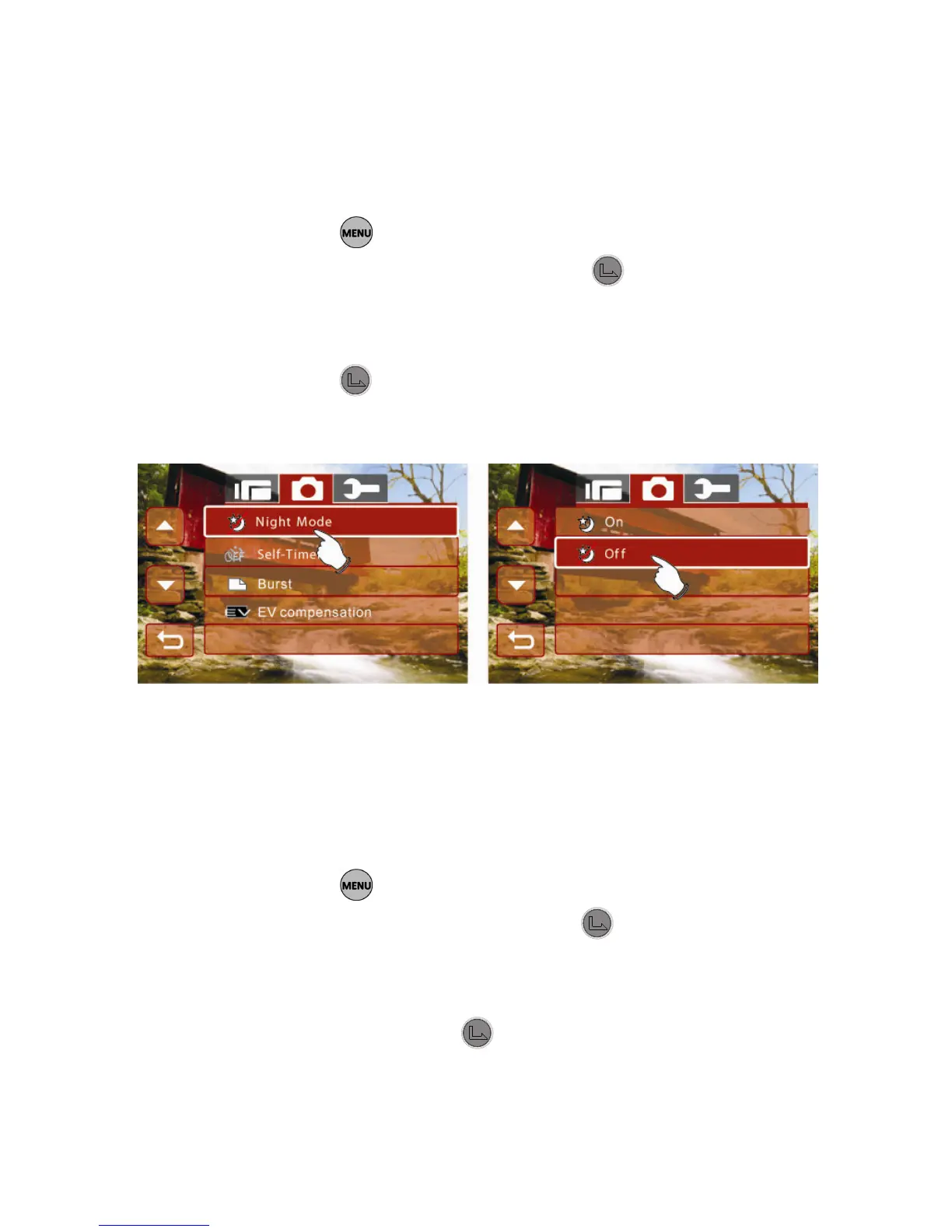
6.3.6 62BNight Mode
1. Turn on the Digital Camcorder and make sure it is in the
Photo mode.
2. Press the button and use the 4-Way Direction Button
to highlight Night Mode. Press the button or touch the
icon on the screen to display the submenu.
3. Press the 4-Way Direction Button to select On or Off.
Press the button or touch the icon on the screen to
select the item.
6.3.7 63BSelf-Timer
1. Turn on the Digital Camcorder and make sure it is in the
Photo mode.
2. Press the button and use the 4-Way Direction Button
to highlight Self-Timer. Press the
button or touch the
icon on the screen to display the submenu.
3. Press the 4-Way Direction Button to select OFF, 2 secs.
or 10 secs. Press the button or touch the icon on the
screen to confirm.



 To Next Page