60
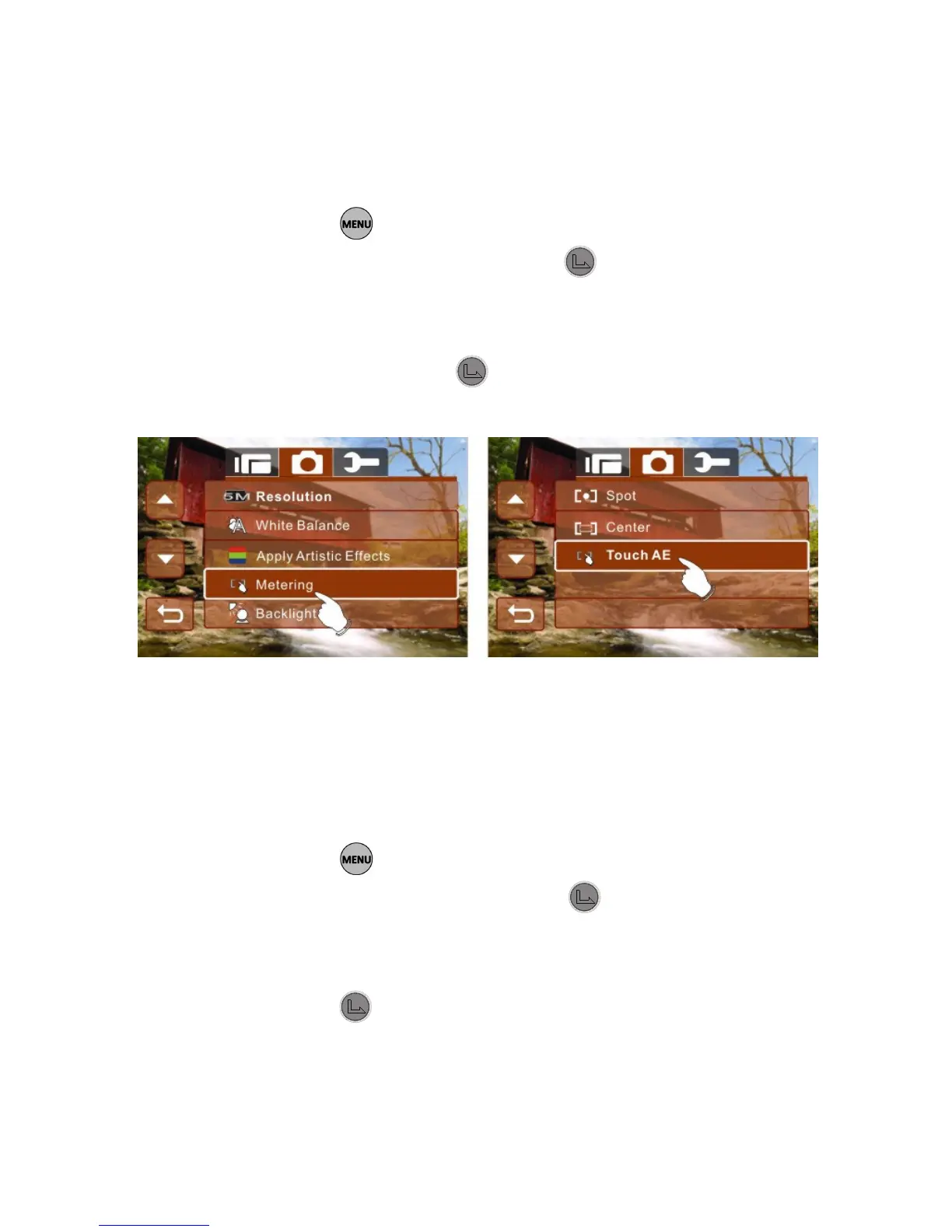
6.3.4 60BMetering
1. Turn on the Digital Camcorder and make sure it is in the
Photo mode.
2. Press the button and use the 4-Way Direction Button
to highlight Metering. Press the button or touch the
icon on the screen to display the submenu.
3. Press the 4-Way Direction Button to select Spot, Center or
Touch AE. Press the button or touch the icon on the
screen to select the item.
6.3.5 61BBacklight
1. Turn on the Digital Camcorder and make sure it is in the
Photo mode.
2. Press the button and use the 4-Way Direction Button
to highlight Backlight. Press the button or touch the
icon on the screen to display the submenu.
3. Press the 4-Way Direction Button to select ON or OFF.
Press the
button or touch the icon on the screen to
select the item.



 To Next Page
 Loading...




