66
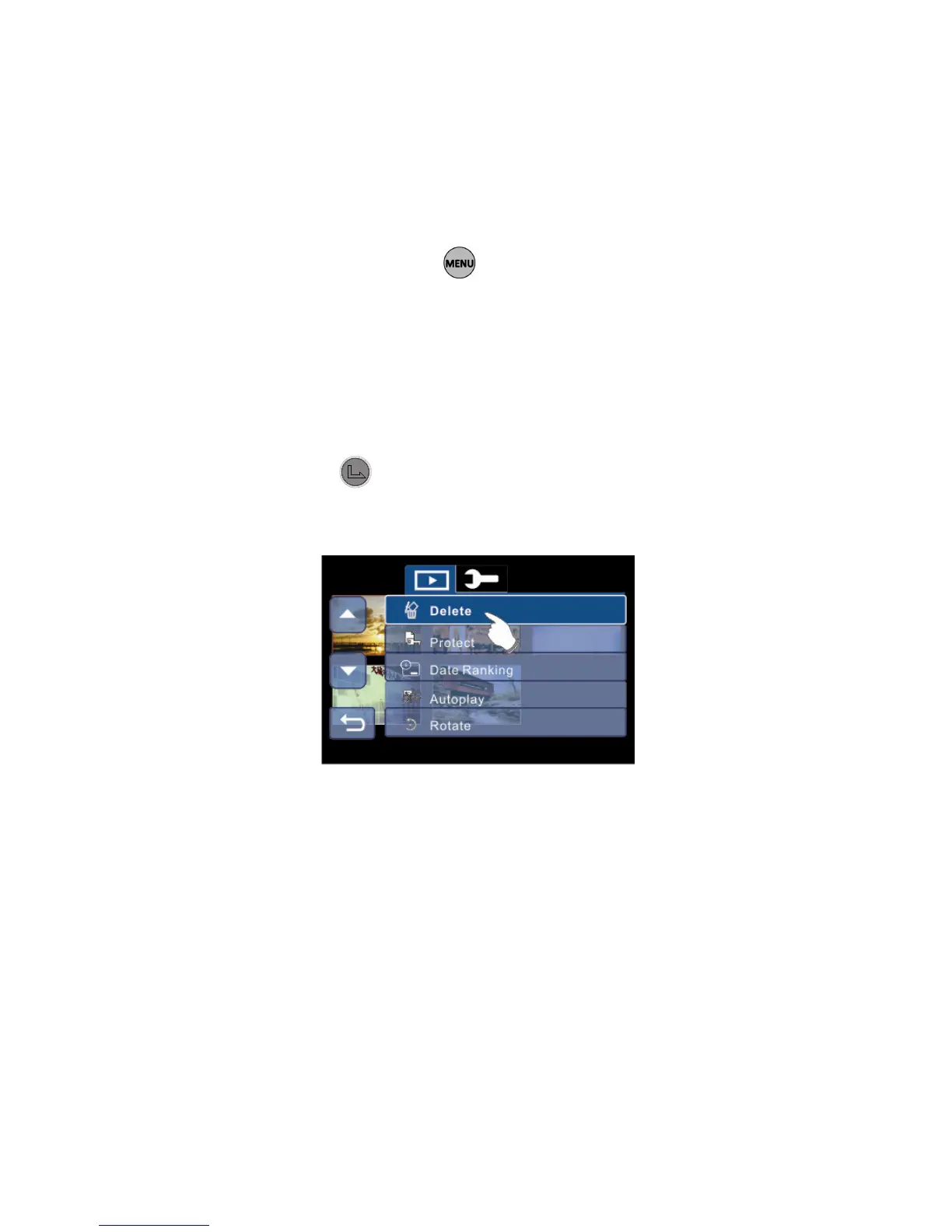
6.4 35BMenu Options in Photo Playback Mode
When the camcorder is in Photo Playback thumbnail or single view
mode, switch to the Photo Playback image you would like to set,
press the Menu touch icon on LCD display to show the Photo
Playback options menu; Or in Photo Playback single view mode of
the selected image, press the button to show the Photo
Playback options menu.
6.4.1 66BDelete
1. Enter Photo Playback options menu, use the 4-Way
Direction button to highlight Delete.
2. Press the button or the Delete icon on screen to
display the submenu.
3. Press the 4-Way Direction Button or touch the screen to
select “Delete One” or “Delete All” to display submenu.



 To Next Page