79
6.5.8 78BLanguage
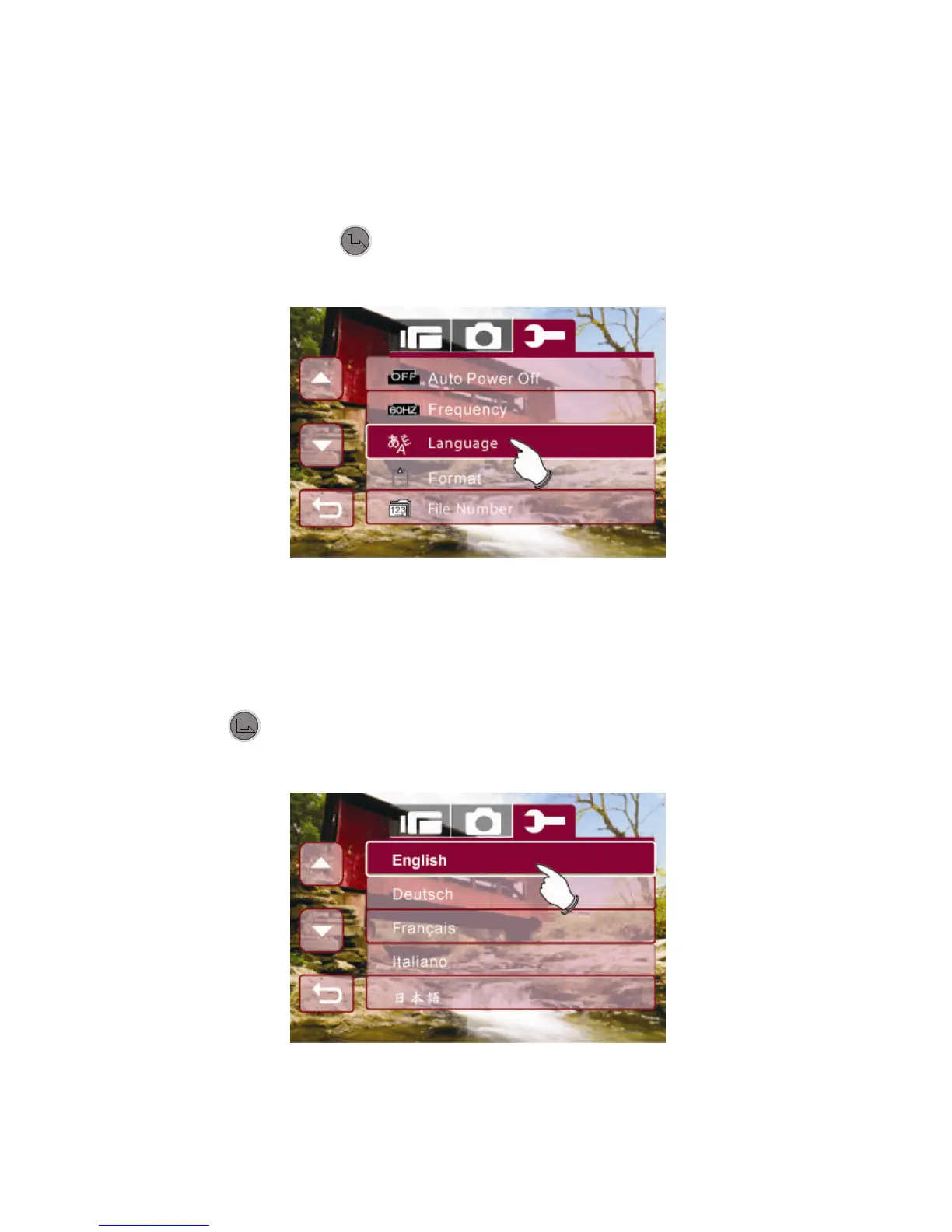
1. Enter Setup menu, use the 4-Way Direction Button up and
down to highlight Language.
2. Press the button to confirm or touch the screen to
select.
3. Use the 4-Way Direction Button to select the following
languages: English, German, French, Italian, Japanese,
Spanish, Portuguese, Simplified Chinese, Traditional
Chinese, Turkish, Russian, Thai, or Arabian. Press the
button or touch the selected language icon on screen
to set.



 To Next Page