33
4.2.2 45BPhoto Playback
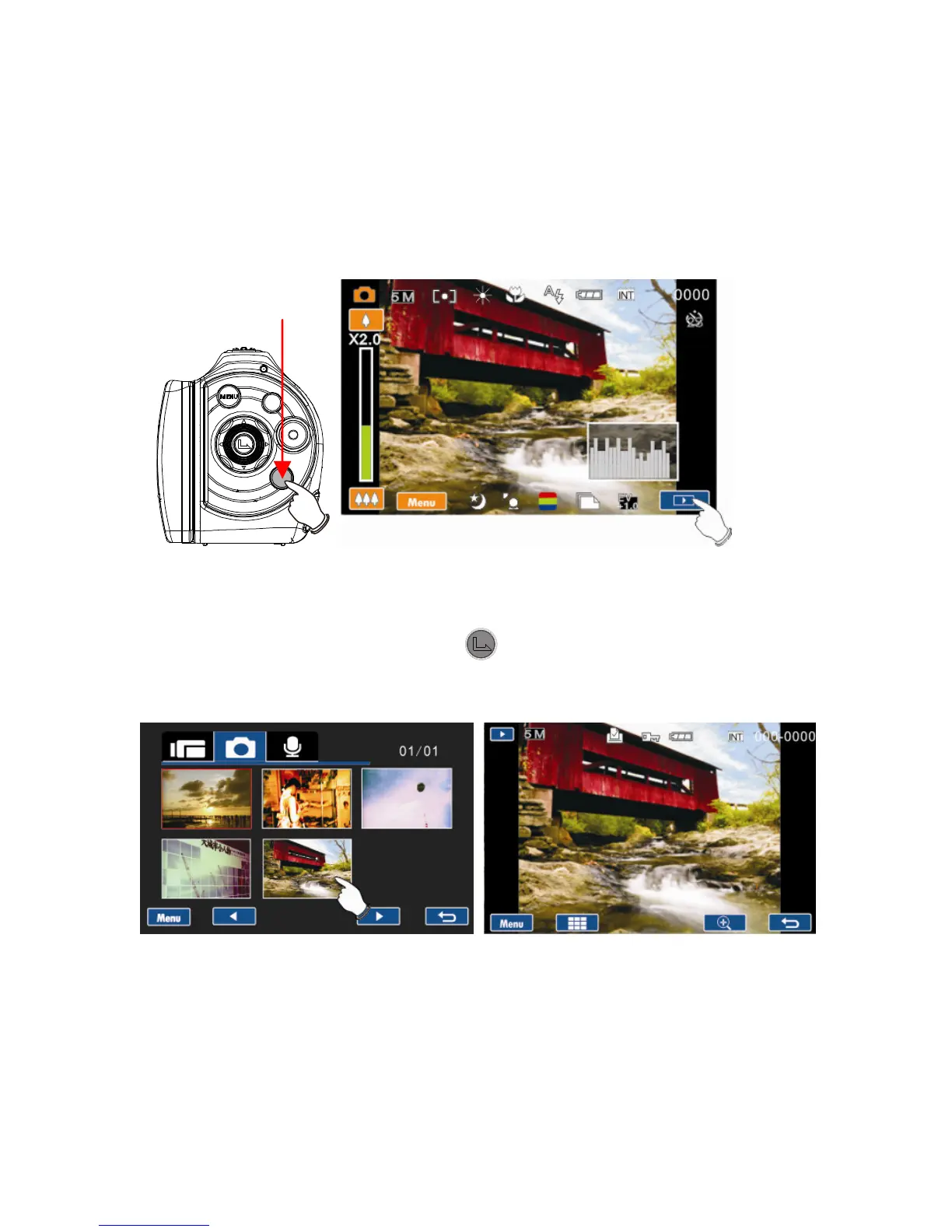
1. In the Photo Mode, press Playback button or the Playback
touch icon on screen to enter Photo Playback mode, the
screen displays the thumbnail images in storage.
2. Use the 4-Way Direction Button to navigate the stored
photos. Press the Set
Button or touch the thumbnail
image selected for single view on LCD display.
Enter Playback touch icon



 To Next Page