72
DPOF
6.4.6 70BDPOF
Use the DPOF (Digital Print Order Format) function to indicate the
printing information stored in the memory card.
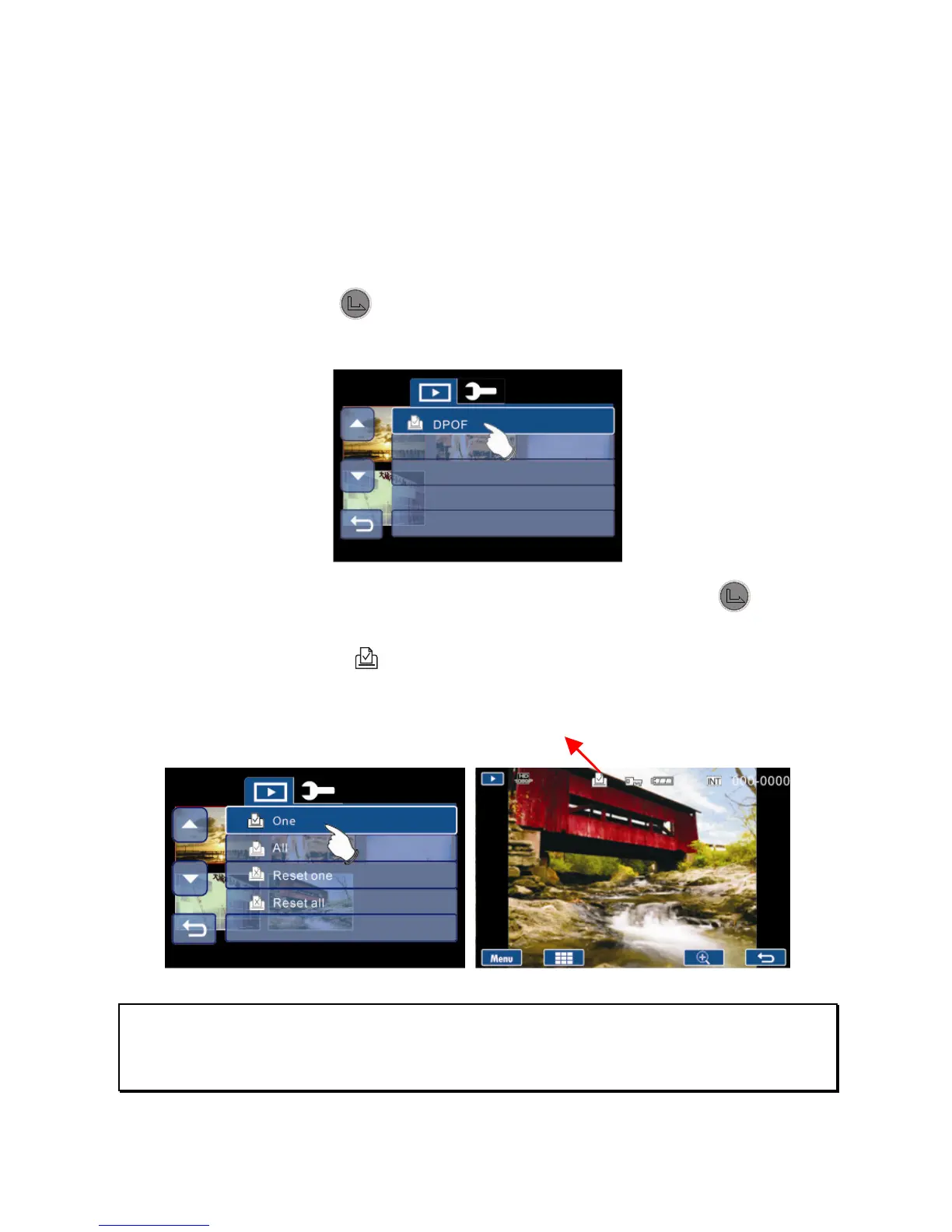
1. Enter Photo Playback options menu, use the 4-Way
Direction button to highlight DPOF.
2. Press the button or touch DPOF icon on screen to
display the submenu.
3. Use the 4-Way Direction Button and press the button
or touch the options on screen to select the item. The
DPOF icon
will be shown to indicate the files that are
ordered for printing.
Note:
1. A memory card is required for the DPOF function.
2. If DPOF is set, the selected pictures will be ordered to print.



 To Next Page