83
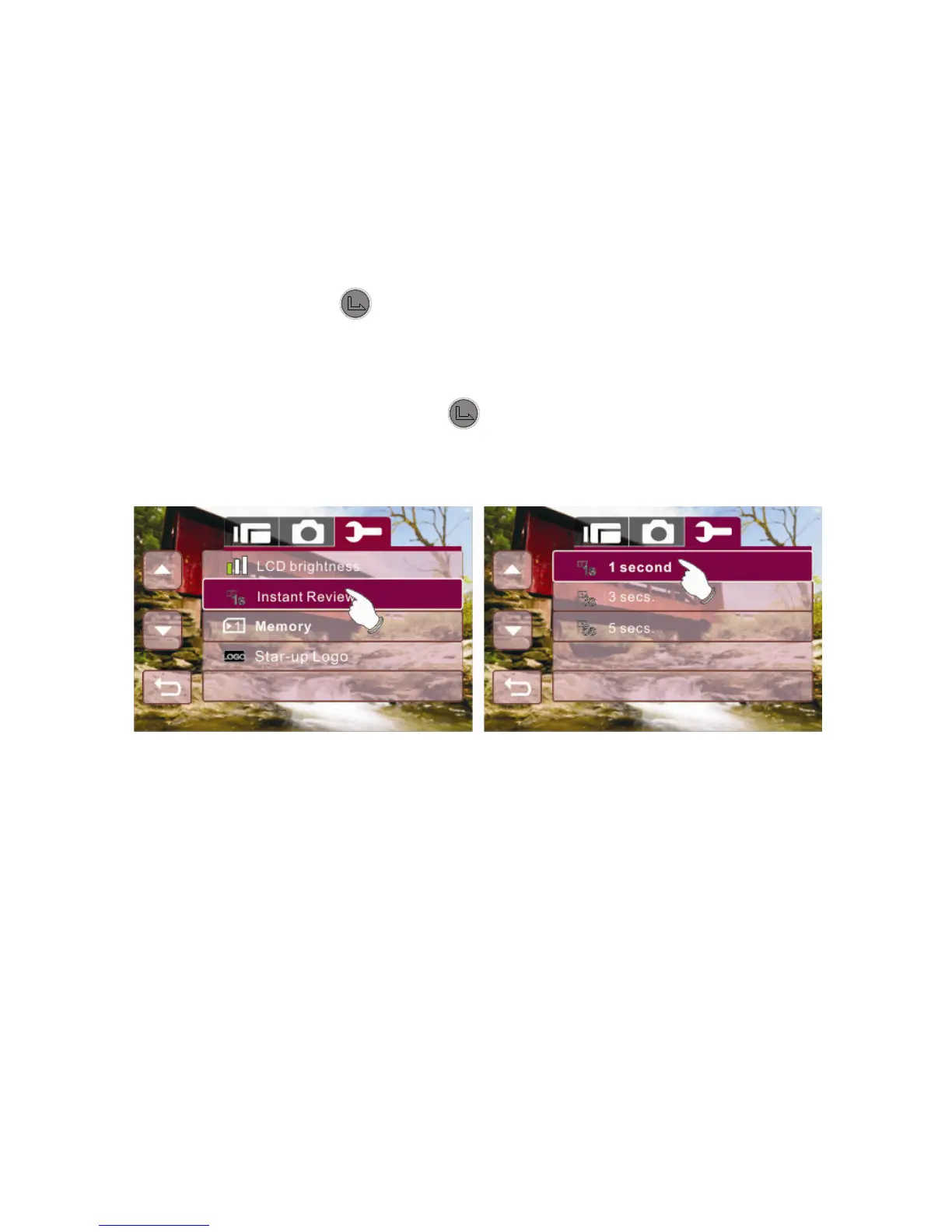
6.5.12 82BInstant Review
This function can be used to instantly browse the files after taking a
picture.
1. Enter Setup menu, use the 4-Way Direction Button to
highlight Instant Review.
2. Press the button or touch the Instant Review icon on
screen to display the submenu.
3. Use the 4-Way Direction Button to select 1 second, 3 secs.,
or 5 secs.. Press the button or touch the selected
option icon on screen to set.



 To Next Page