52
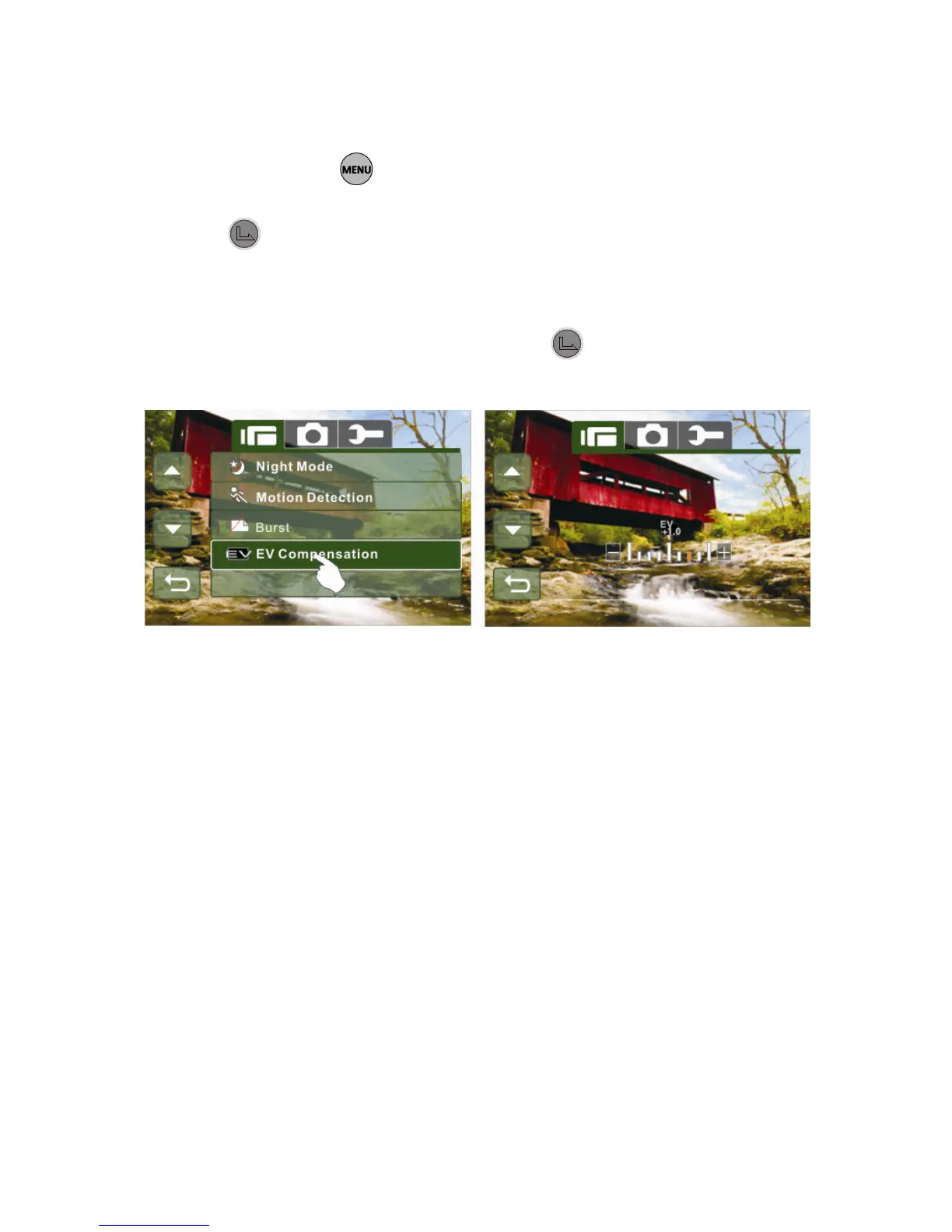
1. Turn on the Digital Camcorder and make sure it is in the
Video mode.
2. Press the button and move the 4-Way Direction
Button to highlight the EV Compensation item. Press the
button or touch the icon on the screen to display the
submenu.
3. Press the 4-Way Direction Button to adjust the Exposure
value (-2.0 ~ + 2.0). Press the button or touch the
icon on the screen to select the item.



 To Next Page