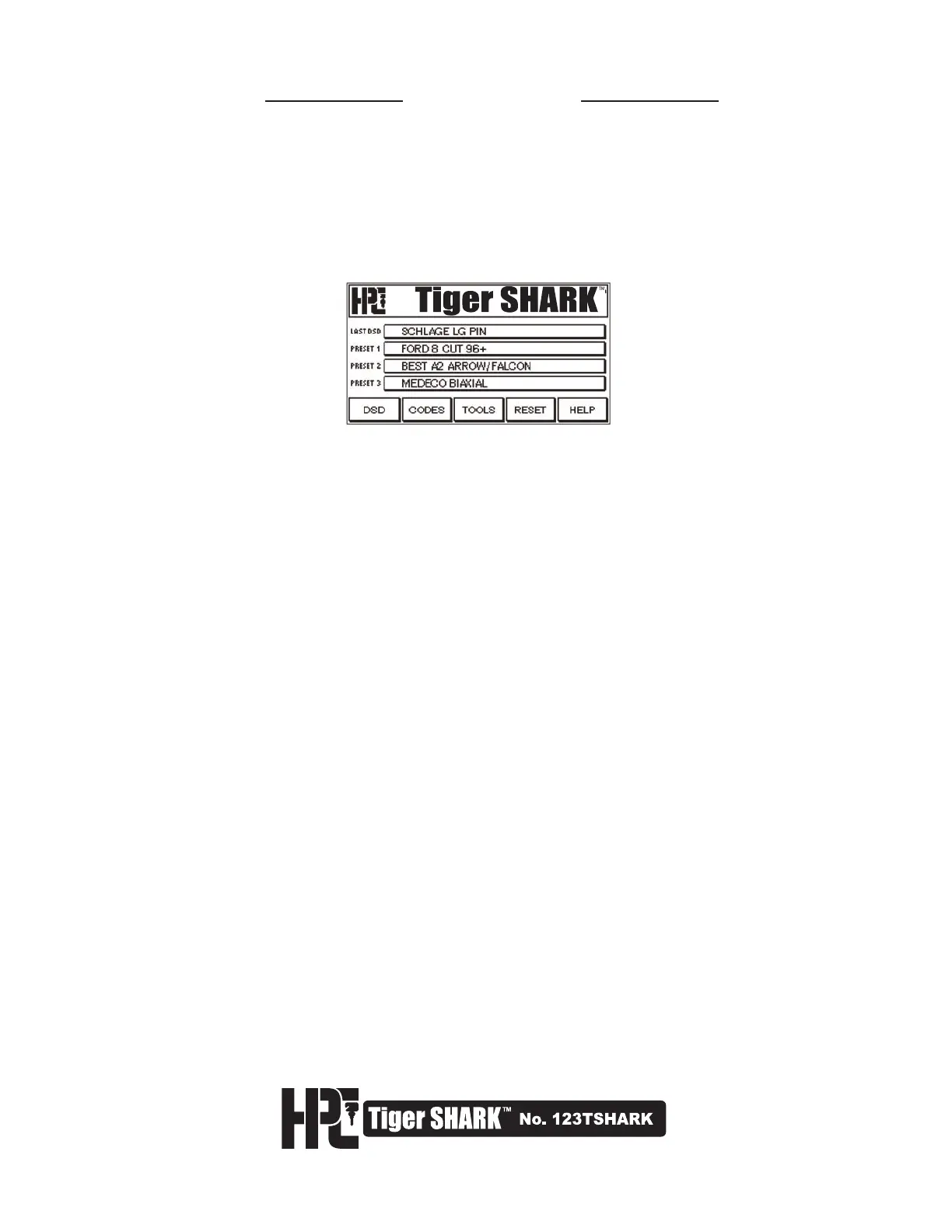
1.5 Touch Screen
The Tiger SHARK
™
is equipped with a state of the art touch-sensitive display screen. Use the stylus provided in
much the same way as you would use a mouse to navigate and select objects on your PC. You can also use
your fingertip. However, it is recommended to use the stylus for the greatest accuracy and to keep the screen
cleaner.
The machine is programmed to dim the screen after approximately 10 minutes of non-use. Simply tap or touch the
screen to reactivate it. This auto-dimming feature cannot be modified.
To clean the screen use a commercial glass cleaner sprayed on a soft cloth. Do not spray the touch screen
directly.
Avoid prolonged exposure to direct sun light. Excessive exposure to direct sunlight can cause the screen to go
dark. This is a normal occurrence with LCD screens, and is not permanent.
The screen has been calibrated during production of the machine. However, if you notice that the accuracy of
your stylus taps have diminished (you do not get the results expected from a particular key), this indicates the
screen requires re-calibration to align the image on the screen with the touch-sensitive coating. Please refer to the
Tools section 5.6 for instructions.
WORK AREA: It is important to maintain a clean work surface, free from key dust debris and dirt.
A hand vacuum or small brush is recommended.



 To Next Page