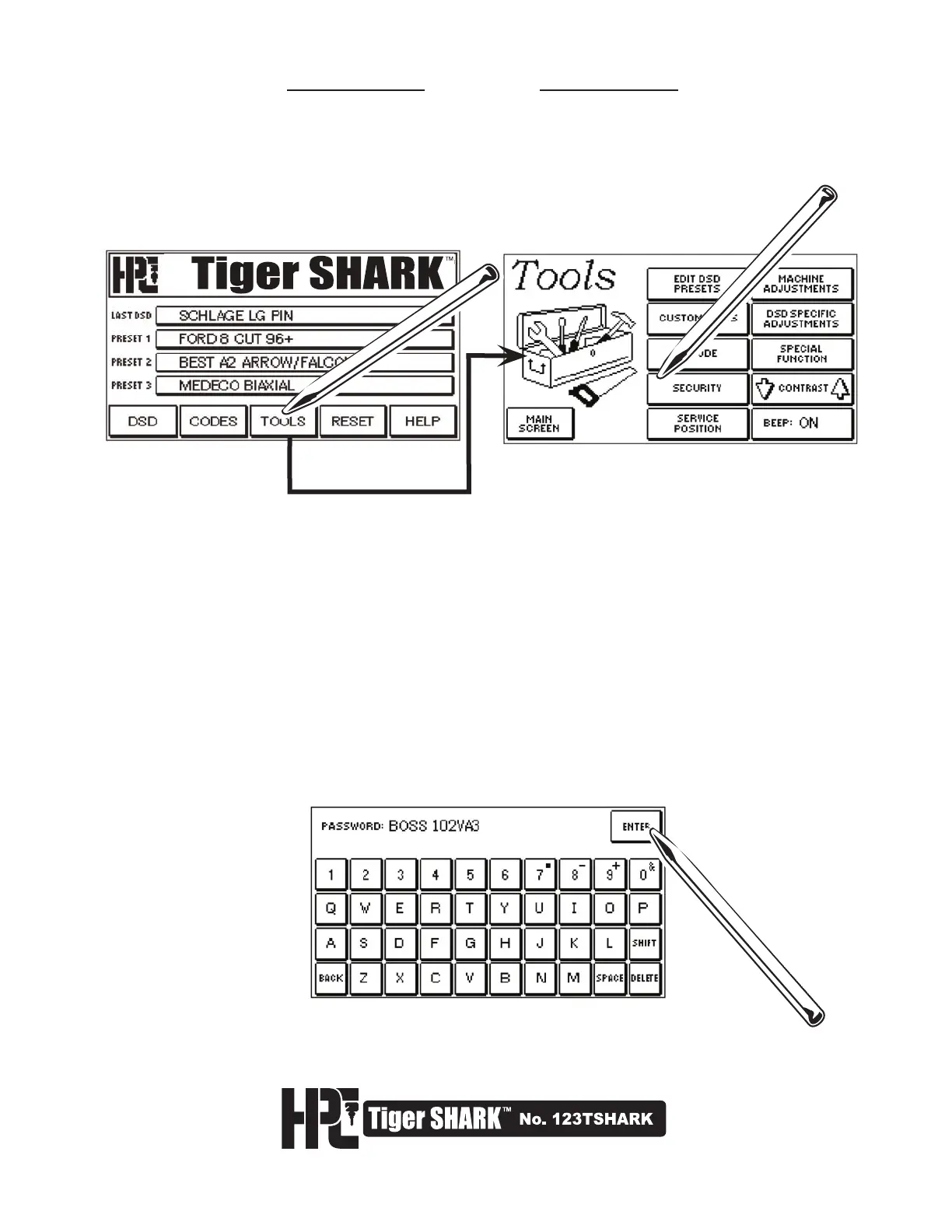
5.7 Security
The DSD Adjustment and the Tools Screens can be password protected so only authorized personnel can access
these screens. Code retrieval and key cutting are not affected by this security feature.
1. To use the Security function, from the Main Menu, select TOOLS and then SECURITY.
2. Type in a 10-character alpha-numeric password, and select ENTER. To change the password,
use the DELETE key. To use the special characters over the 7, 8, 9, and 0 keys, first select SHIFT.
To eliminate the password protection, delete the entire password, and select ENTER.



 To Next Page