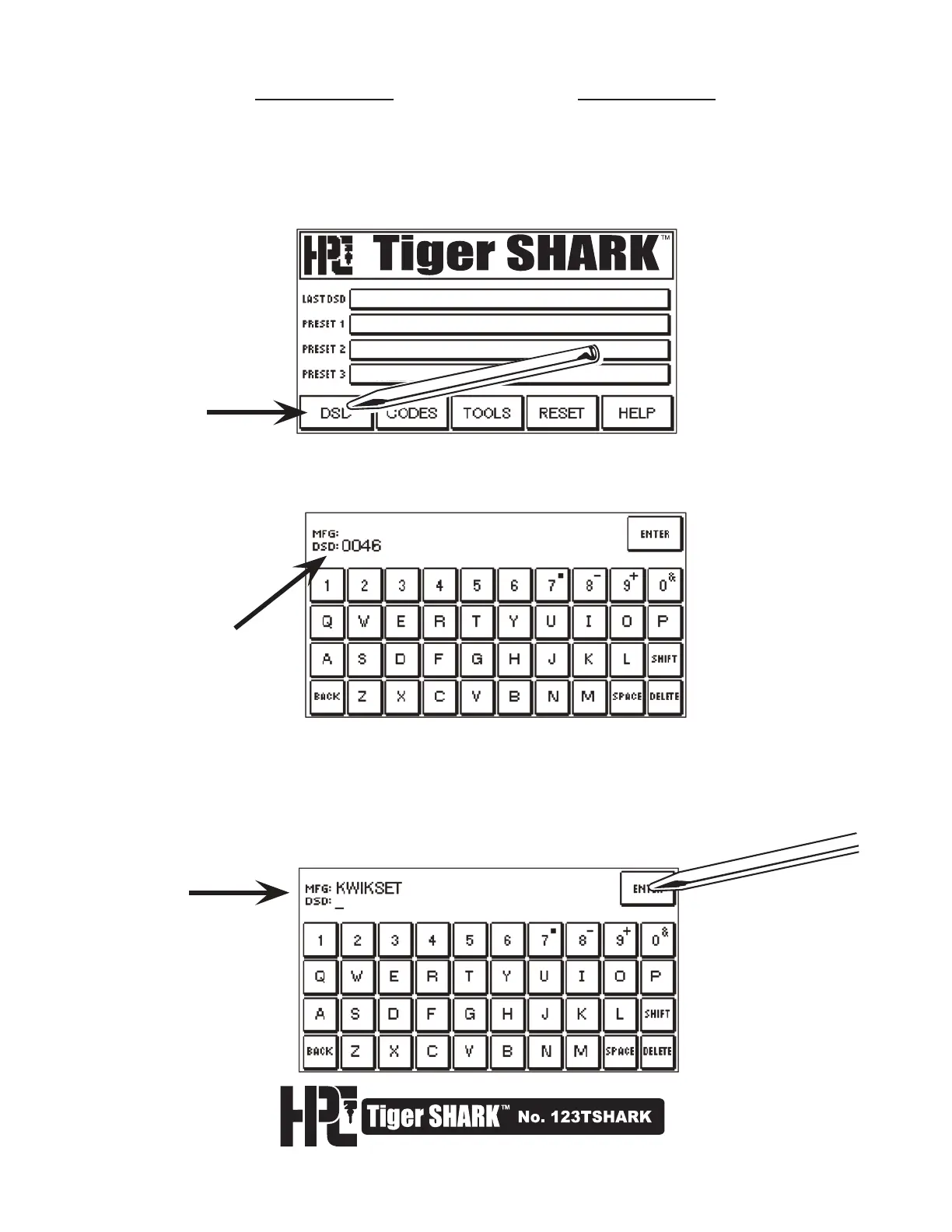
3. If the DSD number is not known, type in the name of the manufacturer in the MFG field.
Then press ENTER. If there is more than 1 listing for the manufacturer entered, the
screen will display a list of the different DSD numbers for that manufacturer along with a
description for identification purposes.
4.1 Cutting by DSD
Click HERE
for cursor
placement
1. DSD stands for Depth & Space Data. This is HPC’s reference number for the key cutting
information for a specific lock. If you know the bitting for the key you are cutting, press
DSD on the touch screen.
The main display will show:
2. If you know the DSD number, type it in the DSD field.



 To Next Page