eSpace IAD
Troubleshooting
2 Analyzing and Rectifying Faults
Huawei Proprietary and Confidential
Copyright © Huawei Technologies Co., Ltd.
2.3.4 Loading or Backing Up File Failure
Symptom
When you load files from the FTP/TFTP server to the IAD or back the file up from the IAD to
the FTP/TFTP server, the operation fails.
Cause
The possible causes are as follows:
Network issue.
FTP/TFTP server fault.
Wrong file storage directory.
When the load/backup operation is being implemented on the IAD, the parameter set on
the IAD is inconsistent with that set on the server.
Solution
1. Check the network connection status between the IAD and the FTP/TFTP server by
running the pinga.b.c.d command.
If the network delay is too large, the loading may fail. For example, when you are accessing the Internet
through ADSL and the connection speed is slow, the loading may fail.
2. Check the availability of the FTP/TFTP server. You are advised to enable the log
function on the server. The records in the log file can help solving problems of this type.
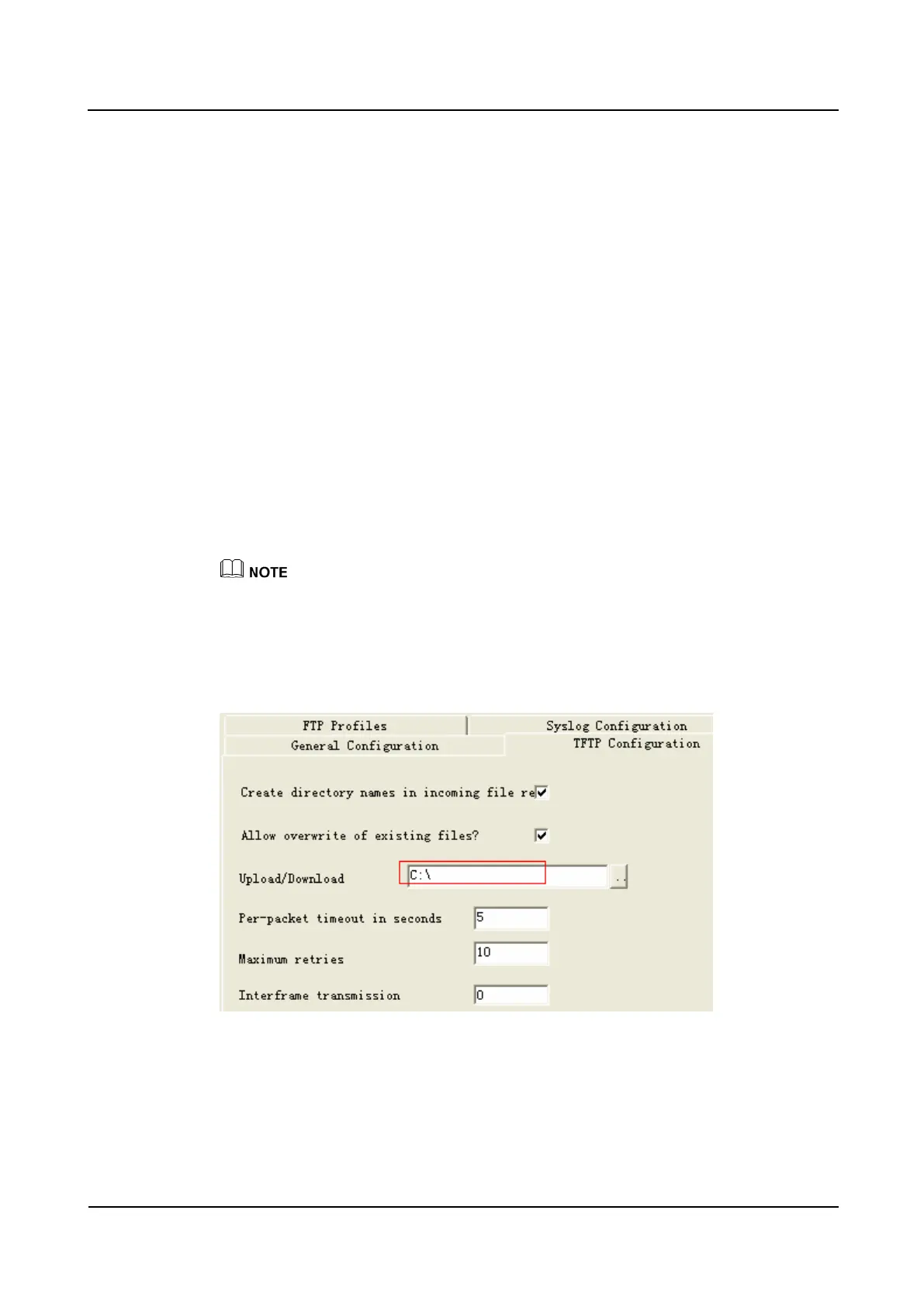
3. Check whether the file to be loaded is stored in the file directory of the FTP/TFTP server.
For example, the file directory of the TFTP server is C:\.
4. Check whether the file name and type of the file to be loaded or backed up are consistent
with those typed on the IAD command line. If the file is loaded or backed up through the
FTP server, when running the load or backup command, ensure the FTP user name and
password are correct.








 To Next Page