eSpace IAD
Troubleshooting
3 Common Troubleshooting Methods
Huawei Proprietary and Confidential
Copyright © Huawei Technologies Co., Ltd.
Network packets must be captured to locate faults about broadband voice quality, media, and
signaling interaction. This topic describes how to use Wireshark (previously known as
Ethereal) to capture data from the network for analysis.
3.9 Capturing the Network Packets Remotely
If the IADs are distributed widely and local capturing is not convenient, you can use the
remote capture function of the IAD to capture data flow that interact with the IAD, according
to certain users and the direction of data.
3.10 Bad AT0 Grounding
3.11 AT0 Ground Impedance Test
3.1 Observing Device Indicators
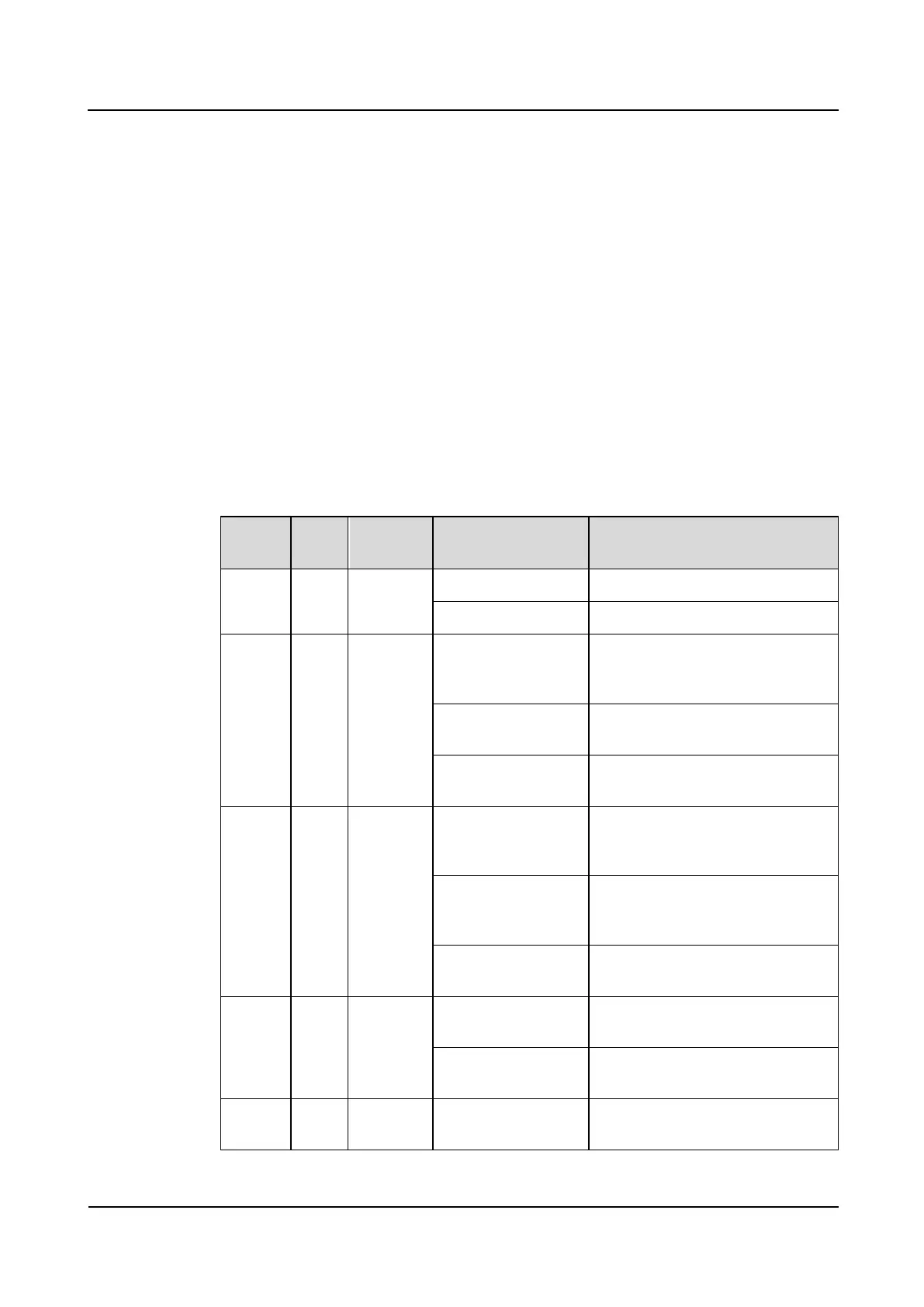
By observing the indicators, you can monitor the operating status of the IAD.
Indicators of the IAD101H, 102H, and 104H
Indicates that the power is on.
Indicates that the power is off.
Uplink
interface
indicator
On (for the
IAD101H and 102H
only)
Indicates that a connection is set up
on the WAN.
Blinking (for the
IAD104H only)
Indicates that a connection is set up
on the WAN.
Indicates that no connection is set
up on the WAN.
Downlink
interface
indicator
On (for the
IAD101H and 102H
only)
Indicates that a connection is set up
on the LAN.
Blinking (for the
IAD104H only)
Indicates that a connection is set up
on the LAN and data is received
and sent.
Indicates that no connection is set
up on the LAN.
Indicates that the VoIP service is
ready.
Indicates that no VoIP service is
ready, or the system is saving data.
Blinking (0.25s on
and 0.25s off)
Indicates that the phone of the
corresponding port is ringing.








 To Next Page