Huawei Mate7 Smartphone
FAQs 4 Network and data transmission
Issue 01 (2014-09-04) Huawei
Proprietary and Confidential
Copyright © Huawei Technologies Co., Ltd.
18
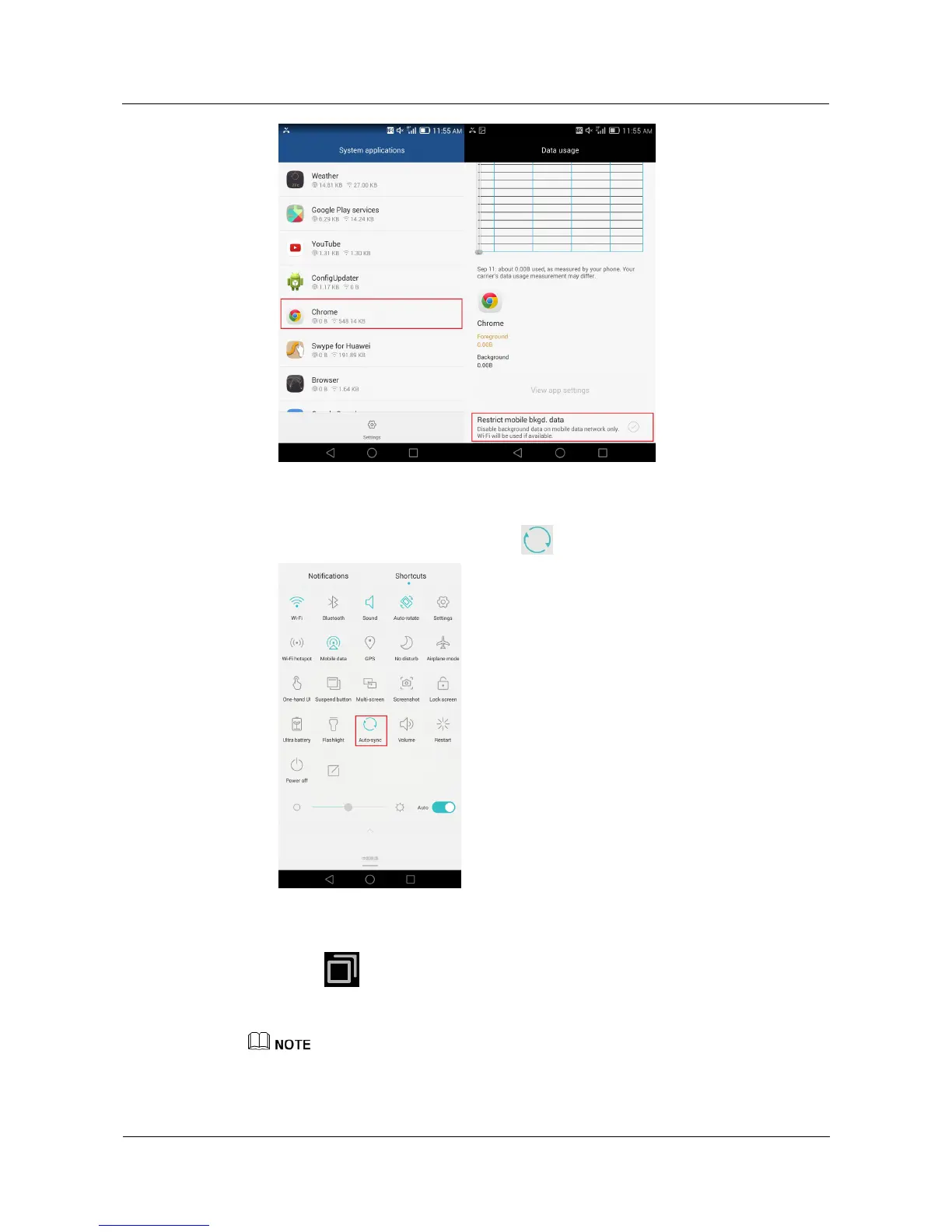
If not needed, turn off background data synchronization.
Open the notification panel, and touch .
Close networked applications not in use.
Touch to display the list of recently used applications. Flick up across an
application to close it, or flick up from the bottom of the screen to close all applications
simultaneously.
The figures are for your reference only. The actual screens may vary.



 To Next Page