Installation Manual
Quidway Eudemon 200 Firewall Chapter 3 Installation
3-4
against the high voltage of lightning shocks caused by external network lines like E1/T1
line and ISDN/PSTN line.
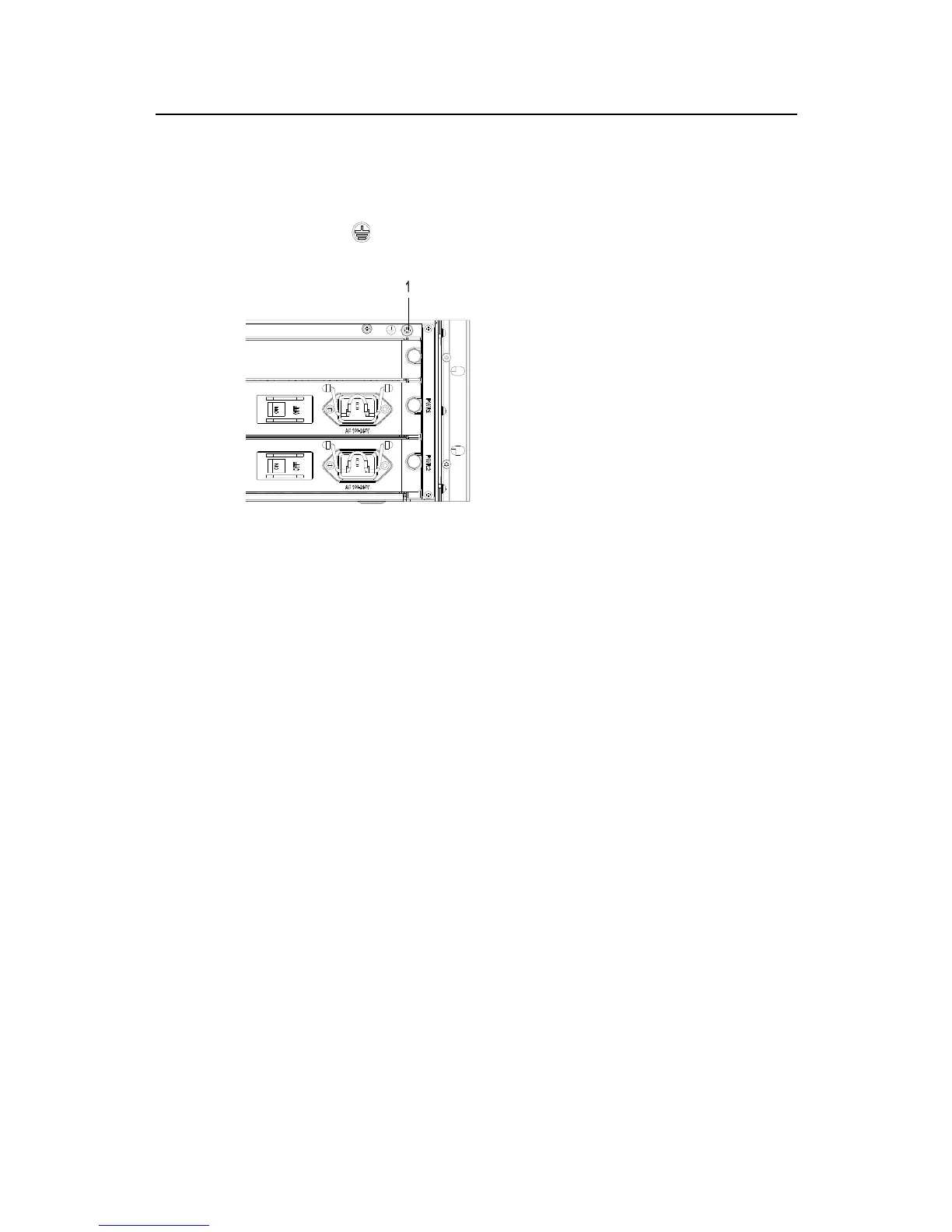
The PGND screw is located at top right-rear of the chassis and identified by a
grounding mark “
”, as shown in Figure 3-3.
1. Grounding screw
Figure 3-4 PGND grounding screw
Connect the ground screw to the earth ground using a PGND cable, requiring a
grounding resistance less than 5-ohm. If you install the Eudemon200 in a 19-inch
standard rack, you must also ground the rack.
3.4 Connect Power Cable
The Eudemon200 firewall has AC-input and DC-input power supply modules available.
You can make your selection as needed. These modules have the same features and
functions, except for PWR type.
3.4.1 Connect AC Power Cable
I. AC-input power supply
AC power input range: 90 to 264V, 50/60Hz AC.
The following figure shows the power socket of an AC-input Eudemon200.



 To Next Page