Installation Manual
Quidway Eudemon 200 Firewall Chapter 4 Boot and Configuration
4-4
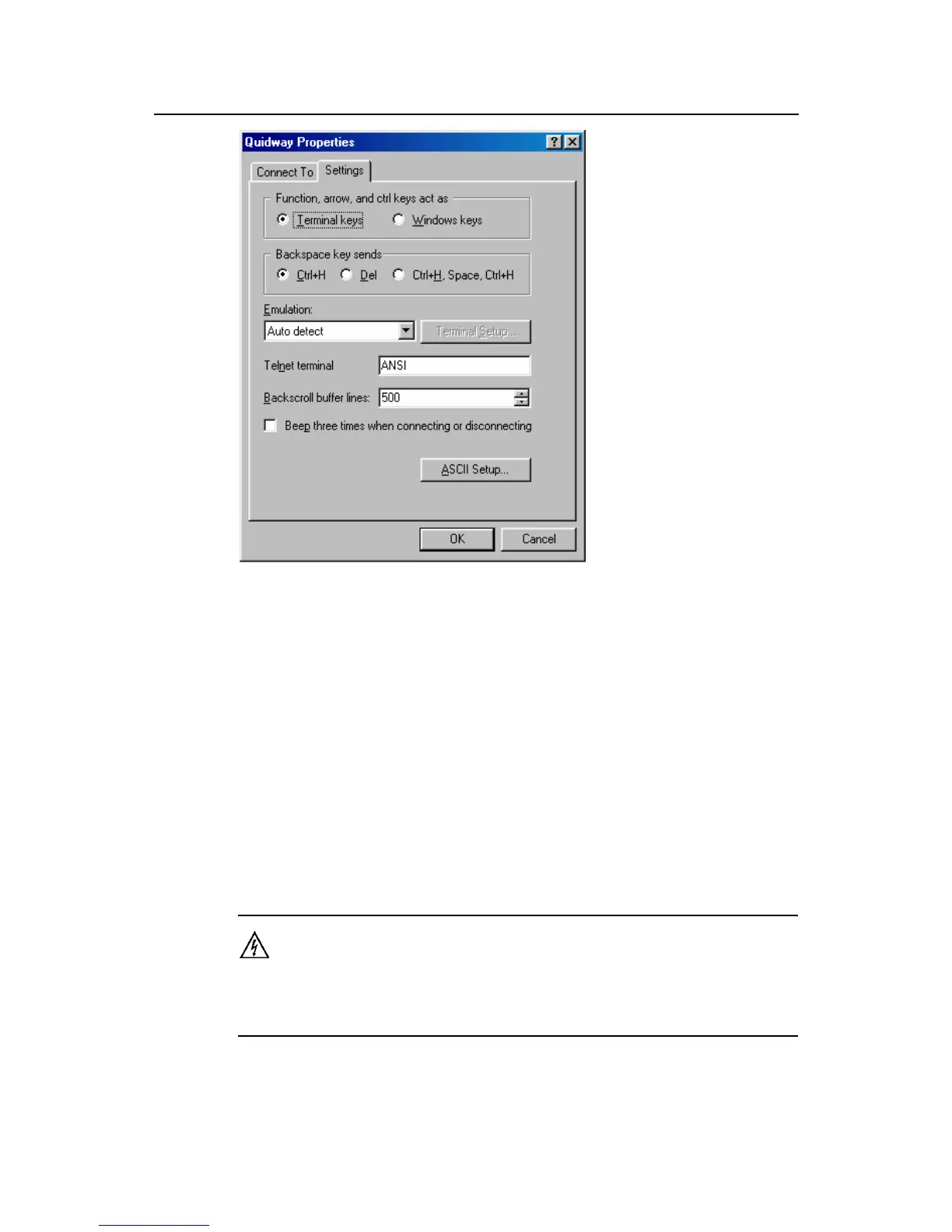
Figure 4-5 Setting terminal type
4.1.2 Power on the Eudemon200
I. Check before power-on
Perform the following check items before powering on a Eudemon200 firewall:
z Whether the power cord and ground wire are correctly connected.
z Whether the voltage of the power supply complies with the requirement of the
Eudemon200 firewall.
z Whether the console cable is correctly connected, whether the PC or terminal for
configuration is started, and whether the settings are done.
Warning:
Before switching on the power, locate the power switch in the equipment room, so that, in case of an
electrical accident, power can be quickly turned off.



 To Next Page