Installation Manual
Quidway Eudemon 200 Firewall Chapter 7 Interface Module
7-3
In the event that an interface module is not working normally, locate the problem by
performing the following operations.
z Check the interface cables, making sure that you have used the correct cables.
z View the LEDs on the interface module panel, ensuring that the interface module
is working normally.
z Executing the configured display command, ensuring that the interface has
accepted the configuration and is working normally.
7.4 1FE/2FE
7.4.1 Introduction
The FE (Fast Ethernet) interface cards, 1FE and 2FE, available for Eudemon200 are
primarily used for the communications between the Eudemon200 and LAN(s).
Following are the differences between 1FE and 2FE.
z 1FE provides one 10/100Mbps RJ-45 Ethernet interface.
z 2FE provides two 10/100Mbps RJ-45 Ethernet interfaces.
The FE cards support:
z The transmission distance of 100 meters if the category-5 twisted pairs are used.
z The operation at the speeds of 100Mbps and 10Mbps, and auto-sensing.
z Full duplex and half-duplex, with the former one in common use.
7.4.2 Interface Attributes
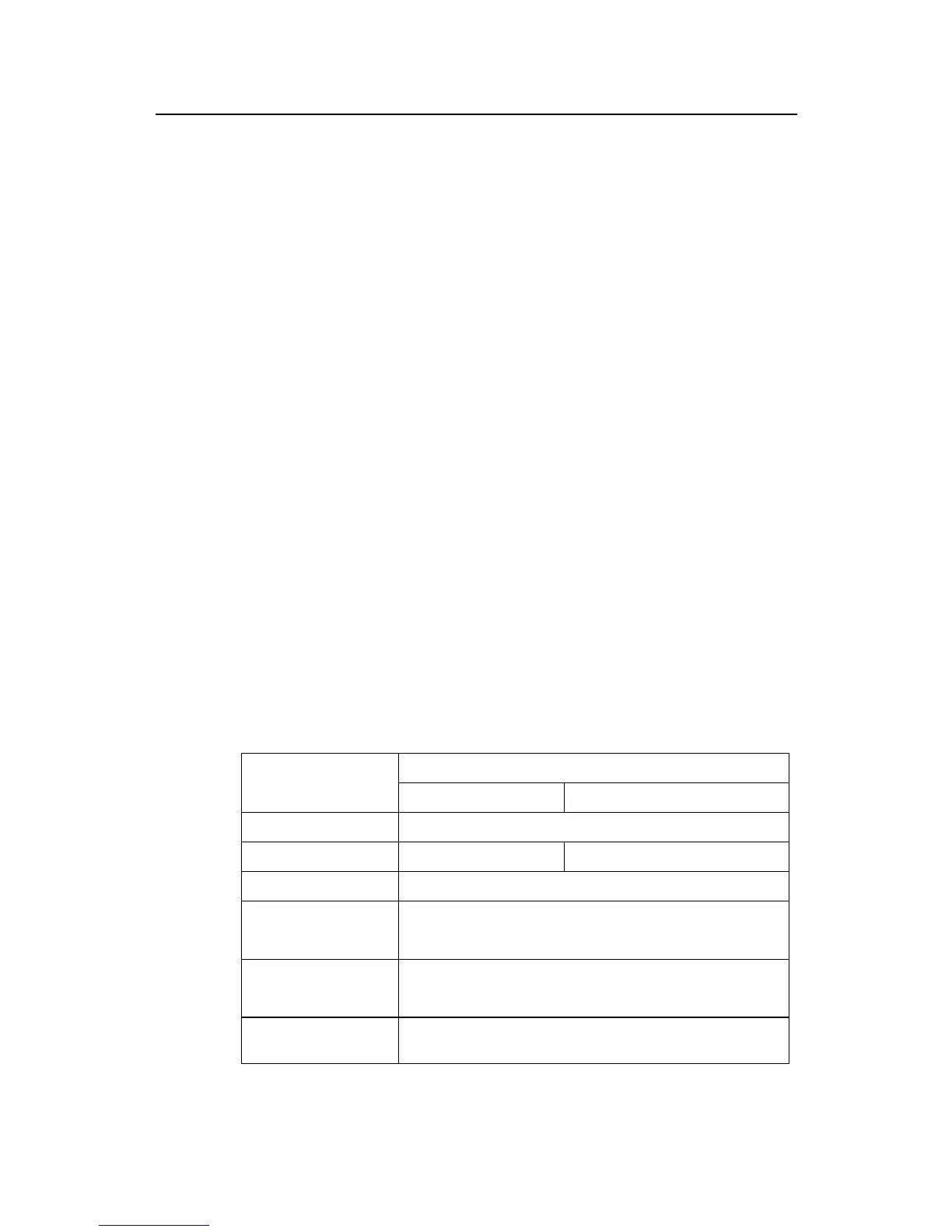
Table 7-2 1FE/2FE interface attributes
Description
Attribute
1FE 2FE
Connector
RJ-45
Connector number
1 2
Cable
Standard Ethernet cable
Operating mode
Full duplex/Half-duplex
10M/100Mbps auto-sensing
Supported frame format
Ethernet_II
Ethernet_SNAP
Supported network
protocol
IP



 To Next Page