Installation Manual
Quidway Eudemon 200 Firewall Chapter 7 Interface Module
7-4
7.4.3 Panel and Interface LED
Table 7-3 1FE/2FE panels and LEDs description
Name Panel figure
1FE
2FE
Category Flash state and description
LINK OFF means the link is not connected and ON means the link is connected.
ACT
OFF means no data is being transceived on the interface and blinking means data is
being transceived.
7.4.4 Interface Cable
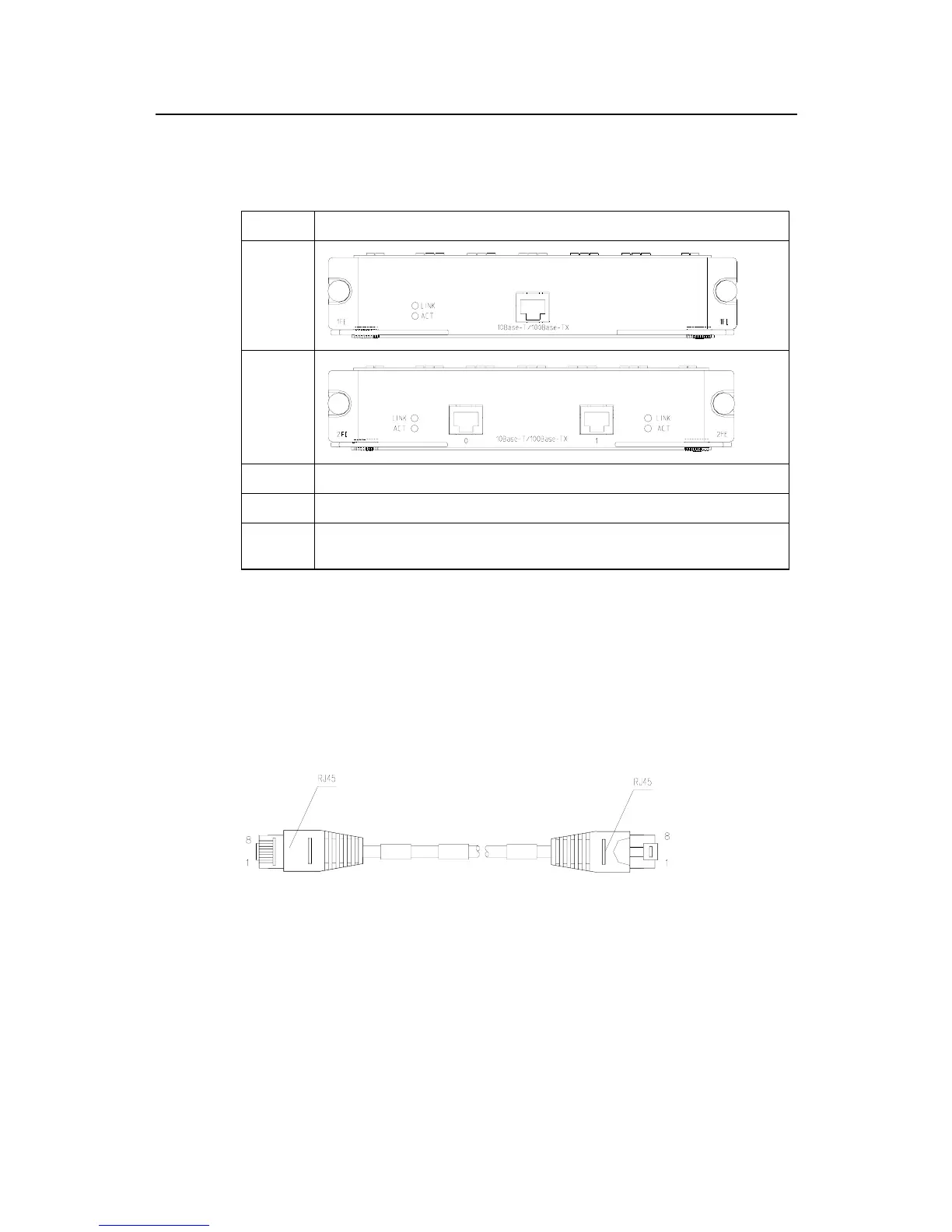
As shown in Figure 7-1, Ethernet cable of FE cards is a category-5 twisted pair with
RJ-45 connectors. Pins 1 and 2 of the interface are at the transmitting terminal, and
Pins 3 and 6 are at the receiving terminal.
Figure 7-1 Ethernet cable
Ethernet cables fit into two categories, i.e., straight-through cables and crossover
cables.
z Straight-through cable: The sequences of the twisted pairs crimped in the RJ-45
connectors at both ends are the same. It is used for connecting a terminal device
(e.g., PC and router) to a HUB or LAN Switch. The cables delivered with the router
are straight-through cables.



 To Next Page